What app is this about, and its version: Navidrome 0.62.0 (1b46b977) What YunoHost version are you running: 13.0.4 What type of hardware are you using: Old laptop or computer
Describe your issue
Hi there!
I have updated some metadata of a few songs on my PC and then uploaded them to the server at /home/yunohost.multimedia/share/Music with a webdav client.
I then went to navidrome > library and issued a quick scan; the songs still showed the old metadata; I issued a full scan, but the songs still showed the old metadata.
I tried to ssh to the server and use “yunohost app shell navidrome” to issue a scan command directly to navidrome, but “navidrome scan -f” results in the message “bash: navidrome: command not found”.
reading this post (How to run navidrome CLI commands? · Issue #6 · YunoHost-Apps/navidrome_ynh · GitHub) I tried with “/opt/yunohost/navidrome/navidrome -c /var/lib/navidrome/navidrome.toml scan -f”, “/opt/yunohost/navidrome/navidrome -c ./navidrome scan -f” and just “./navidrome scan”, but there are no bash commands associated with them.
I tried and search for where the app binaries are stored, so I could try the bash commands linking to that folder, but my search has been unfruitful.
Between my attempts at quick / full scan, I restarted the server twice, and I forced an update for navidrome in hope that the db would register the changes, but it did not.
I don’t know if the problem is linked to using trixie and yunohost beta, or if it’s related to something else.
Please help
But still nothing changed in the database.
I also tried restarting navidrome once with “systemctl restart navidrome” and once with systemctl stop and then start, but also still no changes.
I had a look at the webdav client and it had an activated option to “change the permissions to those of the server” for downloads, so my bet is that the permissions got changed (wrongly) when I downloaded the files and the when I uploaded them they retained the wrong permissions. I still don’t know why the user changed.
I can chown and chmod them no problem though, so yay
Should I flag the post as “solved” now?
and be done with it? Or should I do just the single files? I’ve literally just googled how to use getfacl and setfacl, so I don’t wanna make a mess
Solution for other people:
I used
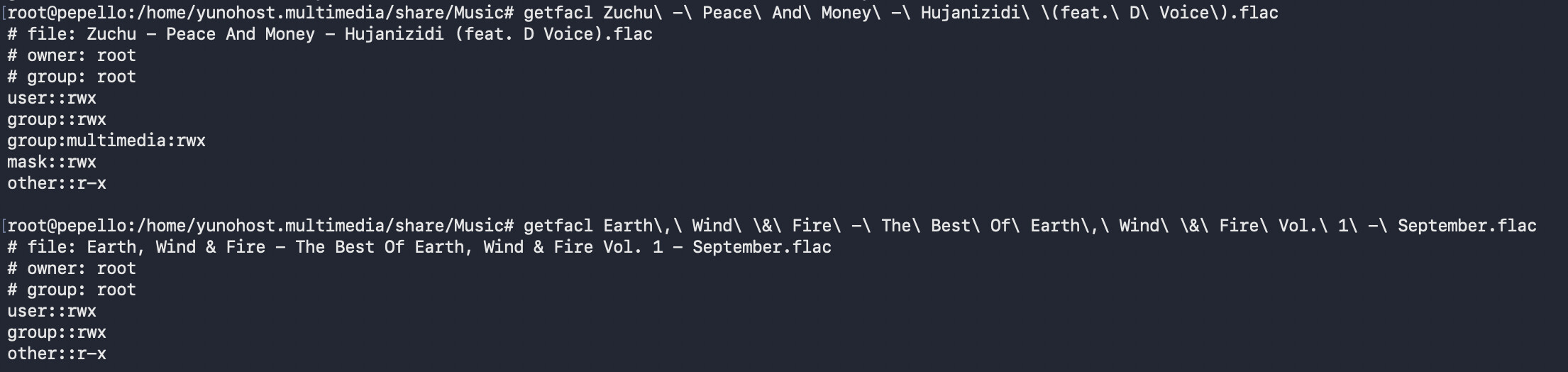
getfacl file.name
to see ALL the file’s permissions (which are not shown by a normal ls -l), which showed me that the file was missing a group (“multimedia” in this case);
then added the file to the multimedia group with rwx permissions with
At the beginning I gave the files root:root and 775 to match the other files, but navidrome would still not pick them up. I went and getfacl’d them because I noticed the “+” sign after all other files’ permission, which meant that there were additional permission a chmod 775 didn’t give.
Navidrome only picked up the files after I assigned them to multimedia, as far as I can tell, but I’m not saying I’m right

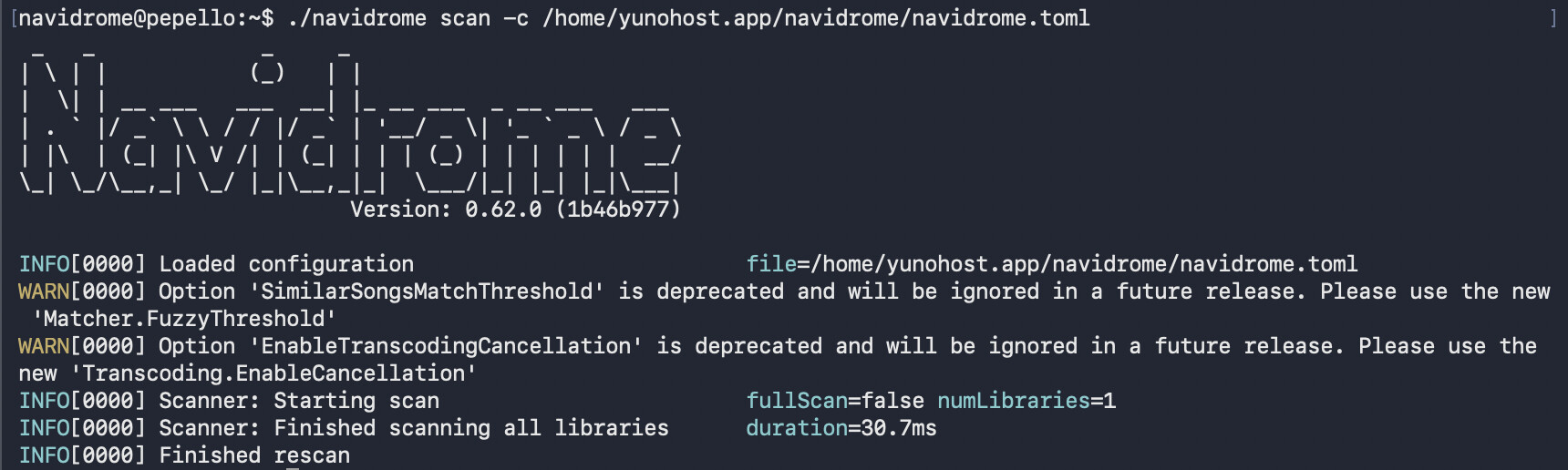



 Could you help me with one last thing?