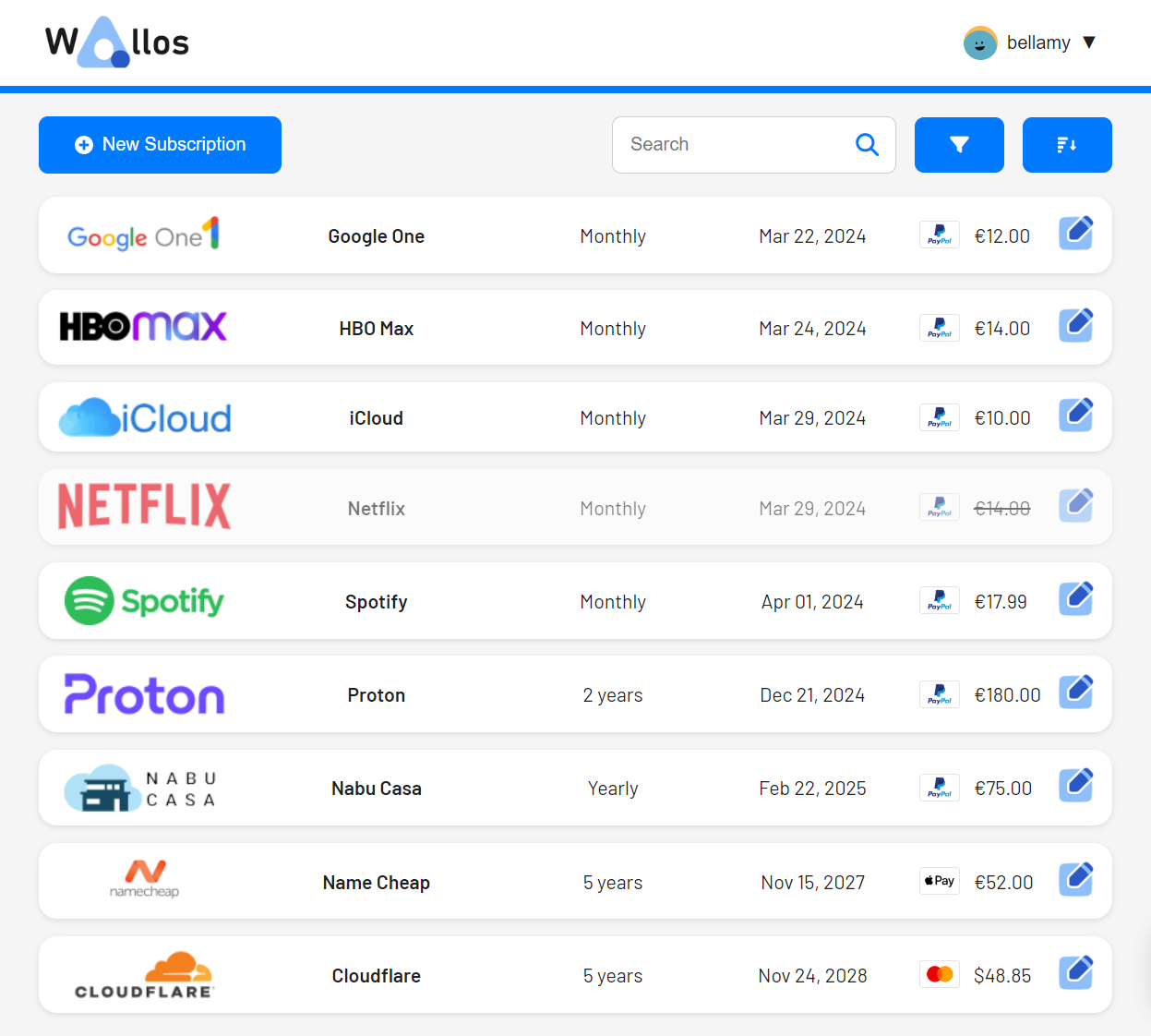
Wallos is a powerful, open-source, and self-hostable web application designed to empower you in managing your finances with ease. Say goodbye to complicated spreadsheets and expensive financial software – Wallos simplifies the process of tracking expenses and helps you gain better control over your financial life.
Thank you, I can now register
The permissions were already the right ones; I have the impression that it was restarting the nginx service that solved the problem.
Now I have another problem. When I try to add a new payment, I get SyntaxError: JSON.parse: unexpected end of data at line 1 column 1 of the JSON data. In the browser console, I get an error 500:
Hello everyone. I started using Wallos few weeks back, but I could not get the notifications via ntfy working. So I present the solution below. Wallos reminders are sent by a daily scheduled job (09:00), not by the “Test” button. On YunoHost that job is installed automatically, but every line writes its output to /var/log/cron/ — a folder that doesn’t exist. So the job fails before it ever starts, silently. Creating that folder is the fix.
Step-by-step
Step 1 — Check the folder is really missing
bash
sudo ls -ld /var/log/cron
“No such file or directory” → this is your problem. Continue.
Shows a folder → skip to Step 4.
Step 2 — Confirm the cron file looks right
bash
sudo cat /etc/cron.d/wallos
You should see 7 lines, each with wallos right after the times. If you see the literal text __INSTALL_DIR__, that’s a different problem.