What app is this about, and its version: Redirect, 2.1~ynh1 What YunoHost version are you running: 12.1.39 (stable) What type of hardware are you using: Old laptop or computer
Describe your issue
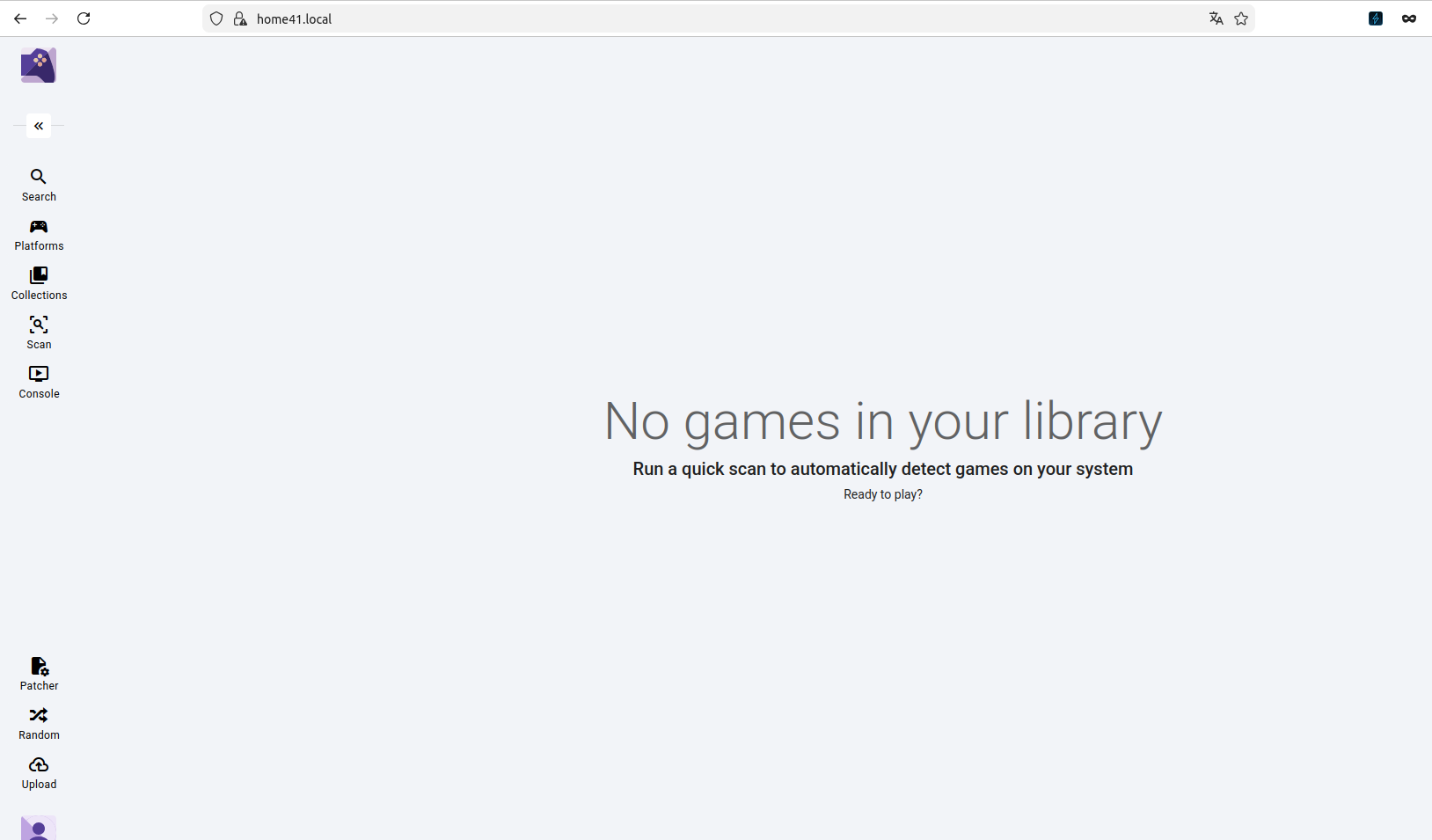
I’ve installed the self-hosted application RomM in a Docker container running on the same server as YunoHost. The application is running on port 12125, and works perfectly when machines inside my LAN browse to the IP address on port 12125. I’ve installed Redirect in my YunoHost environment, renamed it to RomM, and set the redirect to http://localhost:12125. When the app tile is selected from the YunoHost application page, RomM begins to load (to the point where the logo SVG shows up on the screen), but then fails, with the MIME type errors from the console pasted below.
The RomM documentation contains guidance on how to configure Nginx, which I’ve tried my best to incorporate those into Redirect’s redirect.conf file:
(The changes to the config file were followed by a yunohost service restart nginx command.)
I was expecting that adding the X-Content-Type-Options header would solve the problem, but it has not. Introducing errors into the config file breaks the app, so I know that the config file is indeed being used. After searching the forum for other solutions, I’ve also opened port 12125 on YunoHost’s firewall, with no change. In the server’s YunoHost Settings, under NGINX, I have left it alone: Force HTTPS is set to Yes, and NGINX Compatibility is set to Intermediate.
Share relevant logs or error messages
🔴Failed to load module script: Expected a JavaScript-or-Wasm module script but the server responded with a MIME type of "text/html". Strict MIME type checking is enforced for module scripts per HTML spec.
🔴Manifest: Line: 1, column: 1, Syntax error.
🔴Refused to apply style from 'yunohost/sso/?r=aHR0cHM…' because its MIME type ('text/html') is not a supported stylesheet MIME type, and strict MIME checking is enabled.
@ZipMartini
You should try to reinstall redirect app and proxy pass to http://<ynh-local-ip>:12125. Then, tweak the redirect.conf according to your needs.
No need to open the port in the firewall.
If I try to click any of those href links, they redirect to my main domain, not to the subdomain. For example, clicking on “/assets/index-Dc0-TrKa.js” tries to redirect to https://<mydomain>/assets/index-Dc0-TrKa.js instead of using the subdomain. So it definitely looks like a redirection issue.
Yes, I did try. I am starting to wonder if the problem is when I was installing Redirect, I entered romm under the field for “Choose the URL path (after the domain) where this app should be installed.” It does say “Be careful when using this app in reverse-proxy mode: the target may require to be installed at the root of a domain (or subdomain), meaning the path is just ‘/’!”
I’m going to try to install it toromm.mydomain.comrather than mydomain.com/romm and see if that helps.
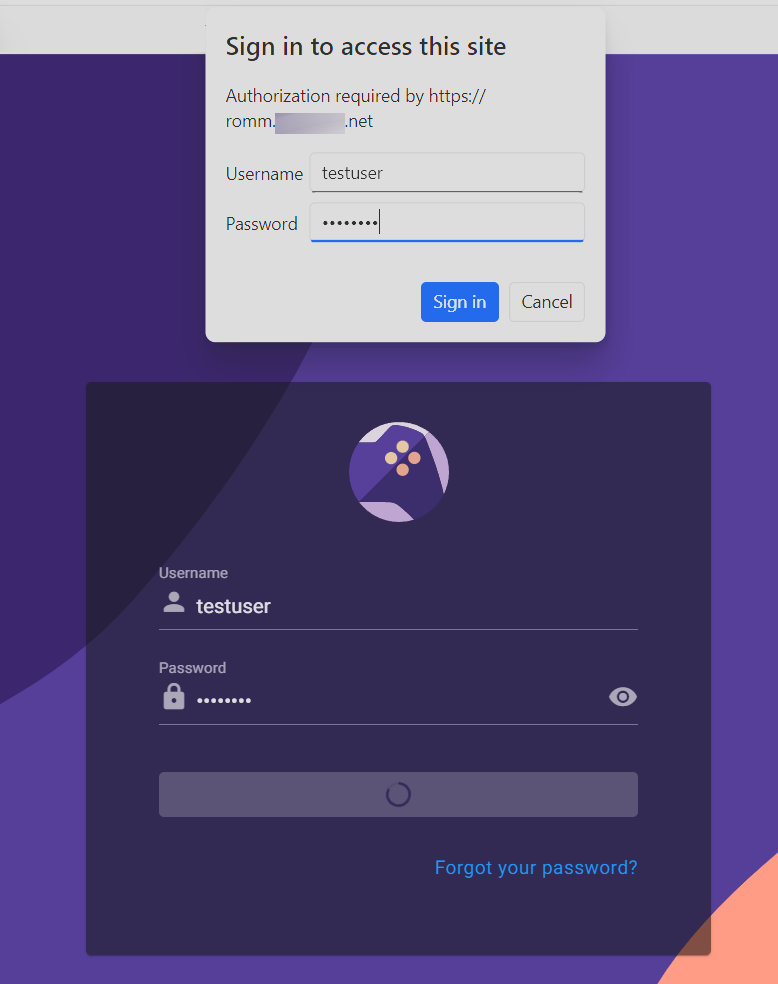
I’ve tried creating a RomM user with the exact same credentials as a YunoHost user, and also a test user inside of RomM as above. Logging in as those users works via the IP address over LAN, so I’m not sure if there’s a further change needed to the redirect config file. You seemed to get it to work with only the default config file, so I’m not sure why this is failing.
Unfortunately, after making these changes, restarting the container results in the following error:
Error response from daemon: failed to set up container networking: driver failed programming external connectivity on endpoint romm: Unable to enable DNAT rule: (iptables failed: iptables --wait -t nat -A DOCKER -p tcp -d 0/0 --dport 12125 -j DNAT --to-destination 172.18.0.3:8080 ! -i br-2ee3ce9fd282: iptables: No chain/target/match by that name. (exit status 1))
I don’t know if this is due to removing the spoofing protections? I’m not sure where this 172.18.0.3 IP address came from; my internal IPs are all 192.168.x.x
Yes, that’s correct, thank you so much for your help.
(This is where I think I’m better off devoting my time to learning YunoHost packaging and getting some of these wishlist apps properly platformed rather than fumbling around in Docker by myself.)