What type of hardware are you using: Old laptop or computer What YunoHost version are you running: YunoHost 12.1.39 (stable) How are you able to access your server: Direct access via physical keyboard/screen Are you in a special context or did you perform specific tweaking on your YunoHost instance ?: no
Describe your issue
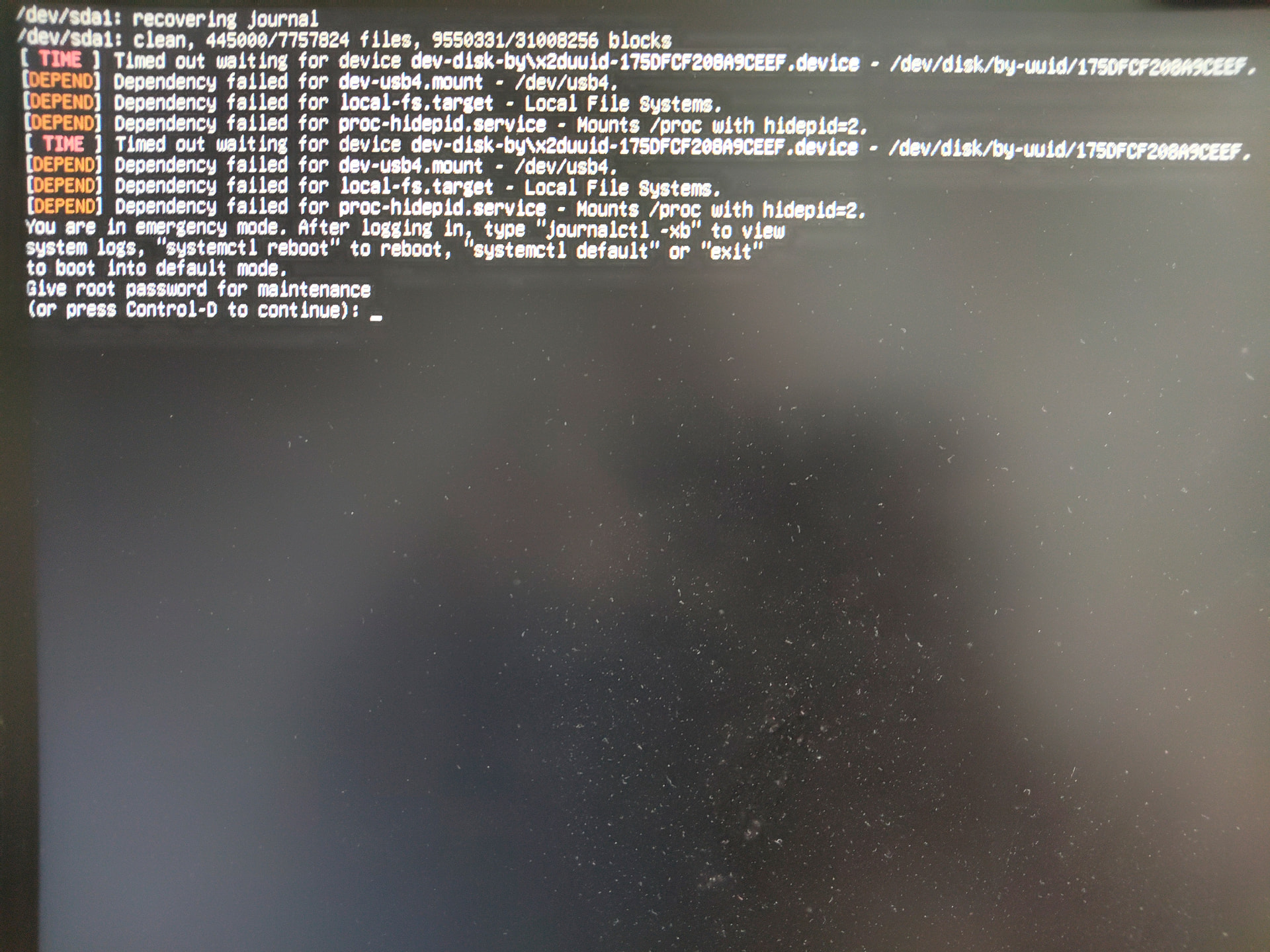
I am unable to boot into a normal Yunohost service. it’s my fault, this is probably not a yunohost issue more down to my newbie poor Linux skills. Everything was working fine but I noticed my attached USB drive was formatted to NTFS. I had meant to format it as extFAT or FAT4. On my laptop I copied all the files off the drive, reformatted it as extFAT and then put all the files back on. (It did seem a lot quicker). I plugged it back in to my Yunohost server and… now it won’t boot properly as it says it’s waiting for a USB drive with a dependency! Does reformatting change a ‘fingerprint’ or similar. it is still the same physical drive . Is there some command line I can issue to stop it waiting for the drive? I did have this once before on another Linux system and ended up doing a full rebuild. ii really want to avoid that this time. Does anyone have a quick fix for a Linux newbie? the support you guys give is excellent, let’s hope you can educate me…
Indeed, the boot sequence will most likely be broken if you change the formatting of one of the drives.
You do NOT need to reinstall everything, but you need to fix the boot loader. Have a look to 8.6. Recovering a Broken System, or if that’s not enough GrubEFIReinstall (assuming you have UEFI on your old computer).
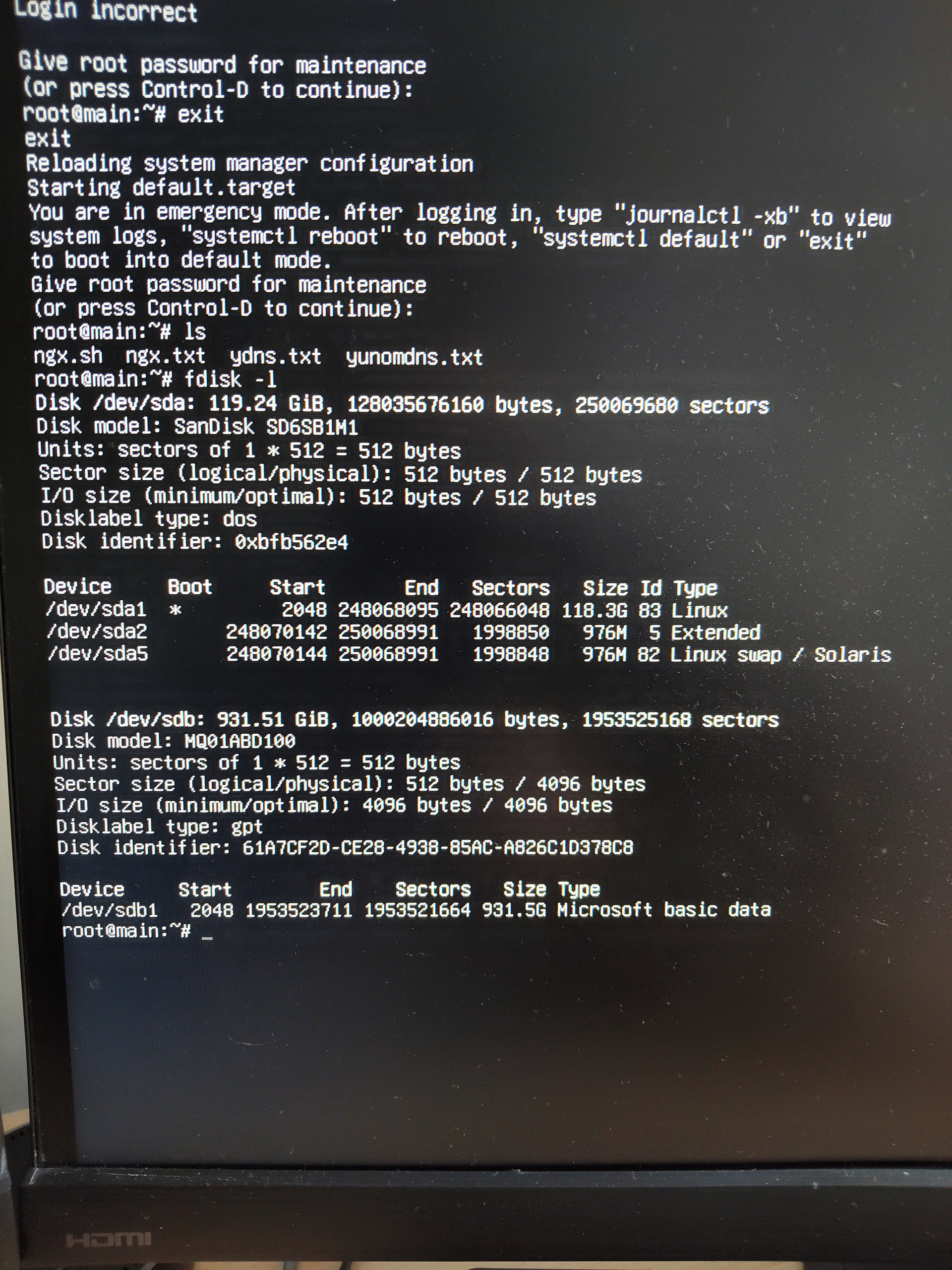
This document seems to be useful if the system won’t boot at all. Mine will boot to a command line prompt but won’t boot Yunohost beyond that. It is complaining that it is waiting for the USB drive with the precise fingerprint code. I tried to cheat, I reformatted the drive back to NTFS and slapped all the files back on, sadly this also failed. I assume the finger print is different. I know I should have unmounted the drive previously. when it boots to the CLI of course the USB drive isn’t mounted so I can’t unmount it now. Is there some command to update a drives fingerprint code or a command to start Yunohost proper from the CLI? I’m sure things were simpler back in my Unix days…
It looks like others make similar mistakes to me. See below. What is this “nofail” boot option? Is this something Yunohost can be made/forced to include? Perhaps from a CLI boot command? anyone got any suggestions?
You can, for now, replace UUID=175.... with /dev/sdb1:
/dev/sdb1 /media/ ntfs defaults 0 2
There are some drawbacks to using this simplified notation, but as long as you are not adding and removing disks all the time, it will work and let Yunohost boot. You will probably have something else instead of /media, I just put it there as an example.
One thing you’ll have to change as well, is the filesystem type. I don’t know the code for exFAT, but that is what you have to put instead of ntfs what it says now.
interesting, I will check that too. I have mastered nano so I think I can edit it ok. (a million years ago in my Unix days we had to use the vi editor (aaargghh), nano is much better!)
Many thanks for all the feedback and guidance, as ever you showed me the way to the fix!
I edited etc/fstab inserting /dev/usb4 instead of the long, long UUID. (I could in fact see the UUID of the reformatted drive but the odds of me copying the ID correctly were zero as I have vision problems (thats what 50 years of keyboard and screens does for you)). Unfortunately it still didnt boot using the /dev/usb4 approach. However, I had a thought, what would happen if I took the simple/dumb option and just commented out the reference to the old USB drive? It worked! Yunohost booted OK. Of course my Immich and Nextcloud services werent working/were having problems as they rely on usb4. So I just remounted the new drive as /dev/usb4 and BINGO! It all started working perfectly. Excellent result, many thanks for the guidance, my notebook now contains a new page on /etc/fstab - obviously a very important boot parameter file.