SignaturePDF : Signer avec le certificat du serveur

What app is this about, and its version: SignaturePDF 1.9.2~ynh1
What YunoHost version are you running: 13.0.3
What type of hardware are you using: VPS bought online

Describe your issue

Bonjour
la fonctionnalité “Signer avec le certificat du serveur” n’est pas fonctionnelle.

Je n’ai pas de message d’erreur, je constate que le PDF n’est pas signé par le serveur, alors qu’avec la version présente chez https://pdf.24eme.fr/ le PDF est bien signé par le serveur.

Merci

Share relevant logs or error messages

je ne trouve pas de journal

Bonjour @babgond

La fonctionnalité “Signer avec le certificat du serveur” nécessite une configuration supplémentaire qui n’est pas incluse par défaut dans le paquet YunoHost.

SignaturePDF utilise une base de données NSS (Network Security Services) pour stocker le certificat de signature.
Sur l’instance de démo pdf.24eme.fr, les développeurs ont configuré leur propre certificat, mais le paquet YunoHost n’effectue pas cette configuration automatiquement.

Pour le faire à la main, tu peux suivre la documentation disponible ici : GitHub - 24eme/signaturepdf: Free open-source web software for signing PDF (alone or with others) and also organize pages, edit medata and compress pdf

/!\ Si le certificat généré est auto-signé, les lecteurs PDF afficheront un avertissement de confiance (ce qui est normal).

Nota : Une issue pourrait être ouverte sur GitHub - YunoHost-Apps/signaturepdf_ynh: Signaturepdf package fot YunoHost pour proposer cette amélioration !?

Bonjour @djez Merci pour votre retour.

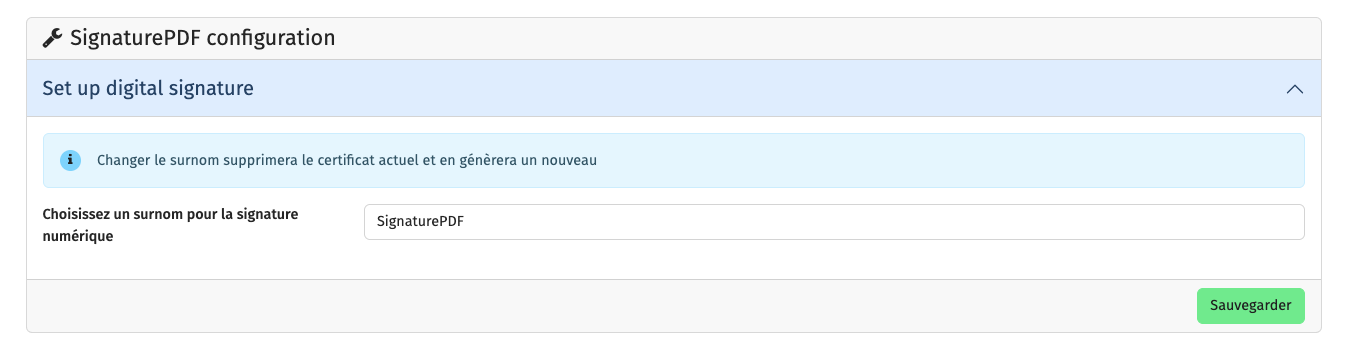
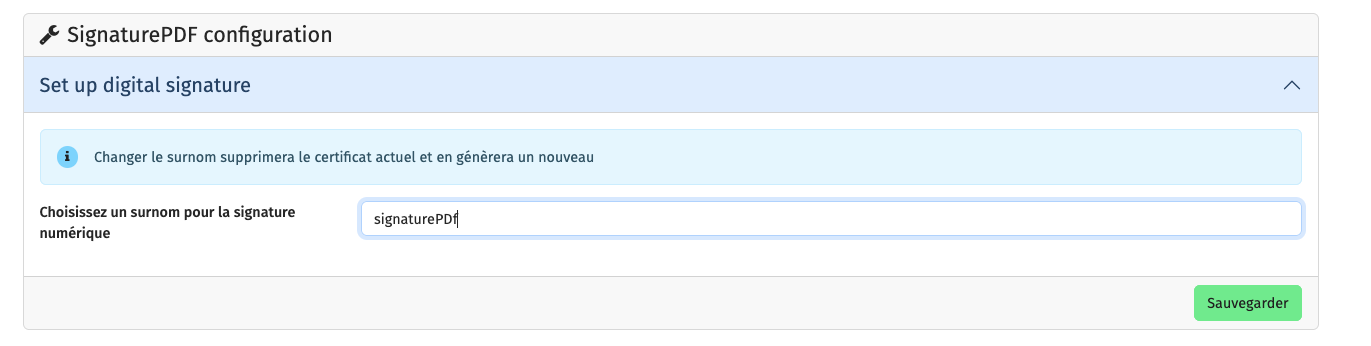
Sinon, il faudrait supprimer cette partie de la configuration qui peut porter à confusion sur le fait que la signature numérique est implementé.

Je me corrige après avoir examiné le code source du paquet YunoHost.

En fait, le paquet fait déjà une grande partie du travail :

Il me semble qu’il manque l’appel au script tools/create_nss_certs.sh pour générer le certificat dans le dossier NSS !?

Bnjour @djez

j’ai excuté la commande

/var/www/singaturepdf/bash tools/create_nss_certs.sh /home/yunohost.app/signaturepdf/nss/ ‘NSS3_PASSWORD’ ‘NSS3_NICK‘ sousdomaine.domaine.ext

cela m’a bien généré 3 fichiers dans "/home/yunohost.app/signaturepdf/nss/"

j’ai redémarré le serveur VPS, mais ca ne change rien.
La signature par certificat n’est pa fonctionnelle.

There is proposal to generate the certs automatically here, the documents indeed get signed BUT given we lack access to public cert it’s kind of hard to verify the signature :person_shrugging:

My problem is not that the certificate is not recognized in Adobe Reader or other programs, it’s that there is no certificate in the PDF.

With the linked PR server certificate IS embedded into resulting PDF, there’s just no way of verifying the signature as it’s a self-signed one.

Hi,

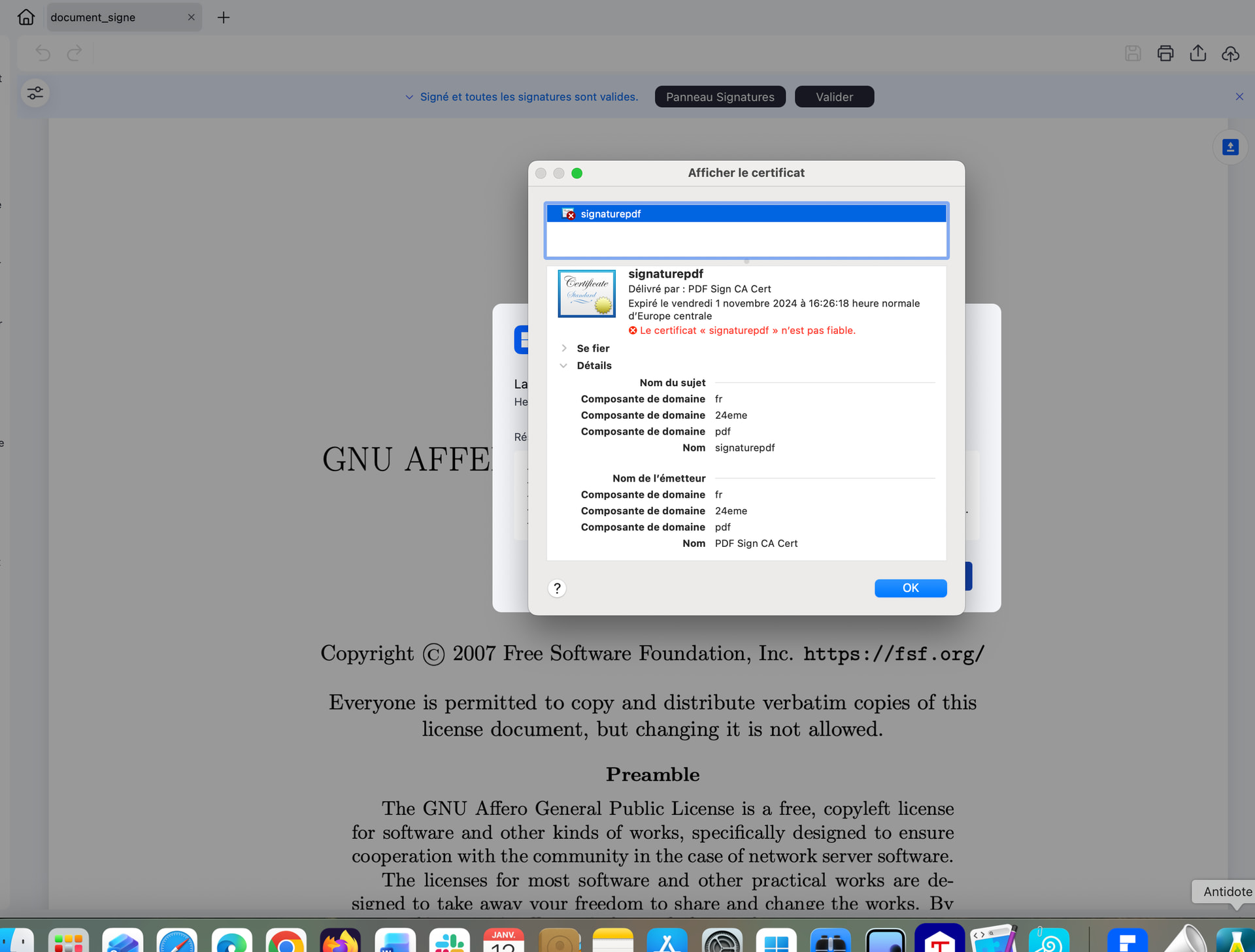
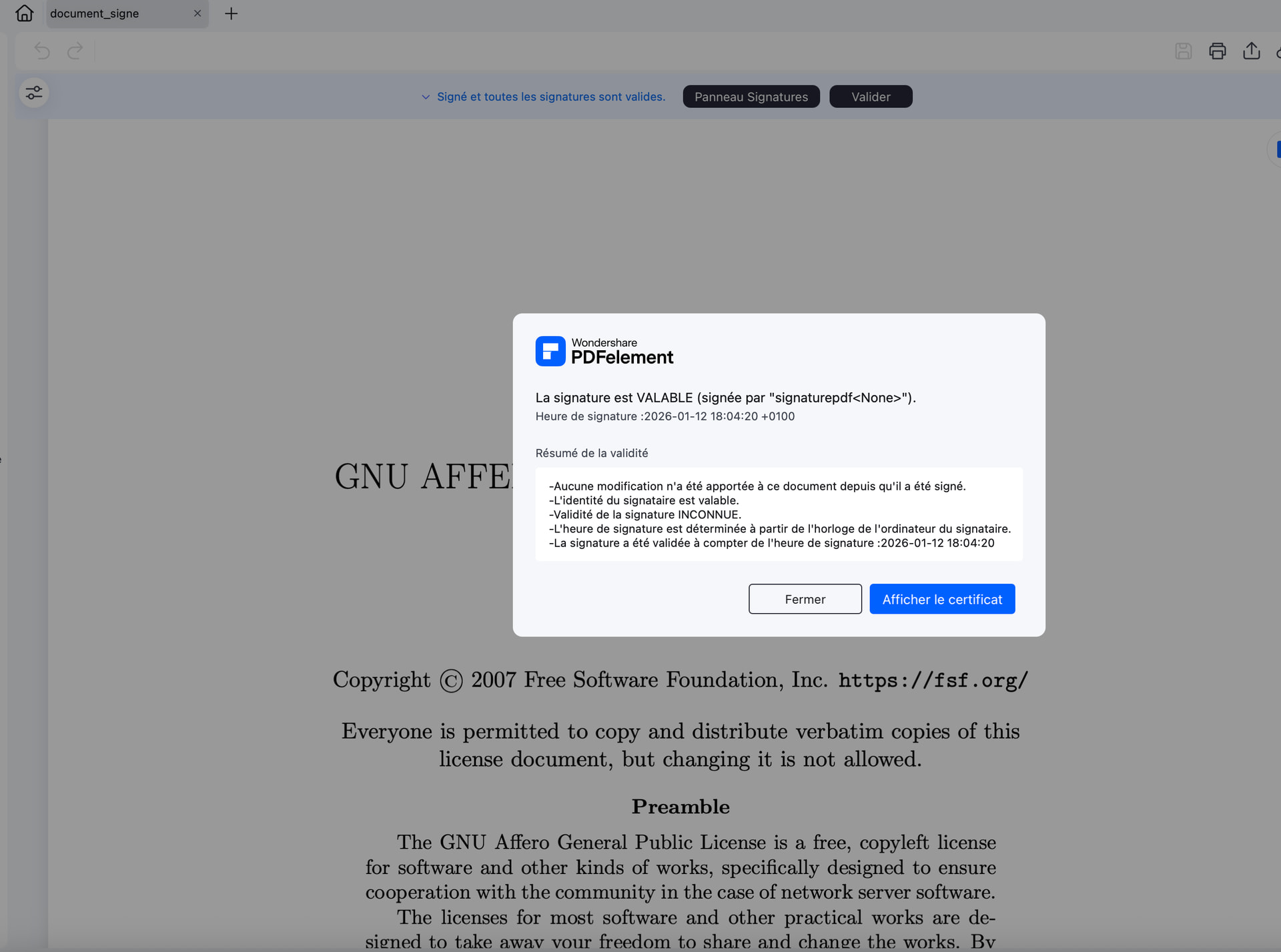
If I sign with the pdf24eme server certificate, I get this

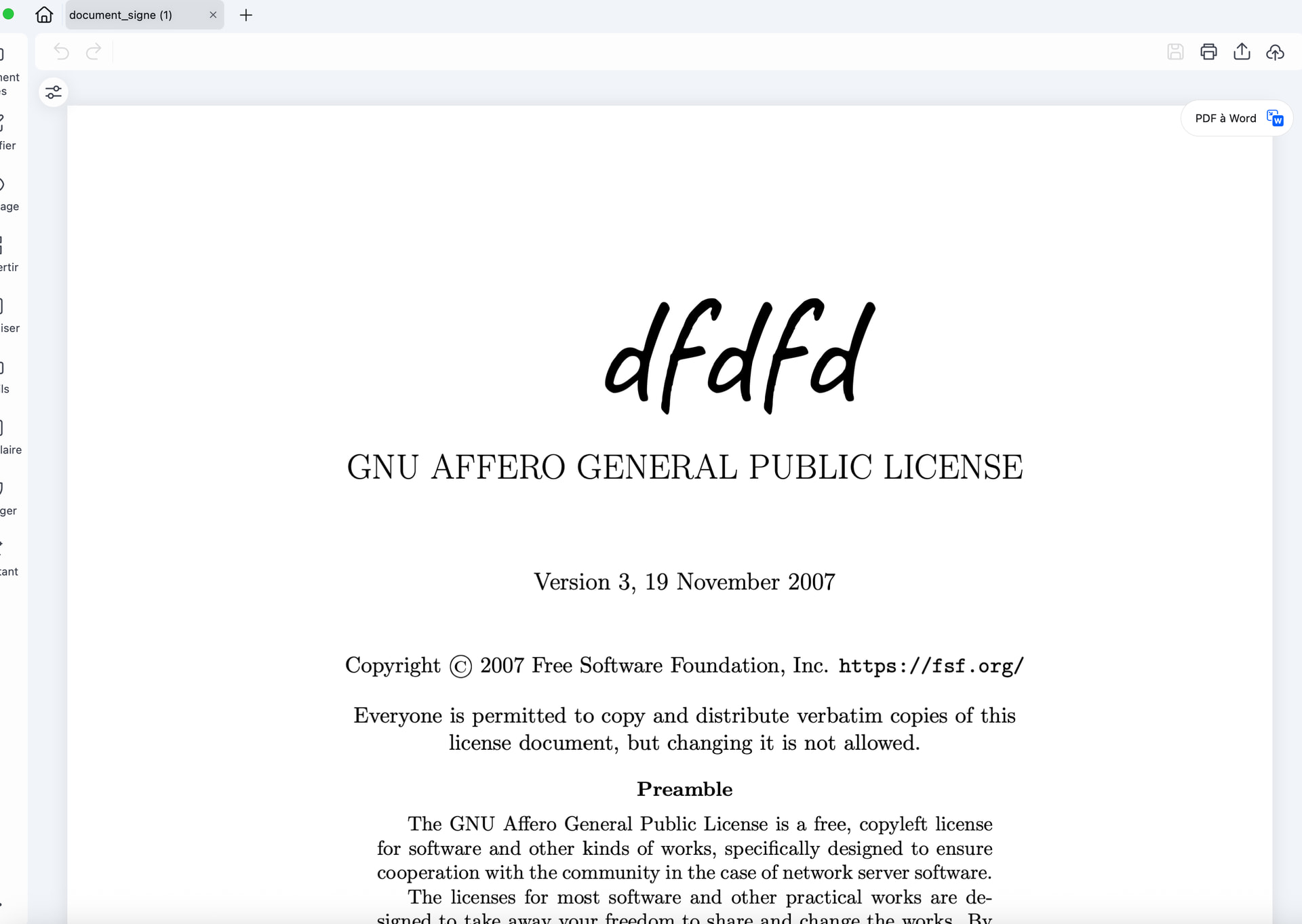
If I sign with my server,

I get this:

That’s from the branch linked?

Yes, this is the version offered on Yunohost. And I manually generated the certificates with the command provided. (/var/www/singaturepdf/bash tools/create_nss_certs.sh /home/yunohost.app/signaturepdf/nss/ ‘NSS3_PASSWORD’ ‘NSS3_NICK’ subdomain.domain.ext)
sudo yunohost app upgrade signaturepdf -u https://github.com/YunoHost-Apps/signaturepdf_ynh/tree/fix-signature

This updates to a branch where certs are generated and used. It worked for me, perhaps it’ll for you as well?

1 Like

Hi
it’s OK !
Big Thanks

However, if we change the name here, it will not malfunction.