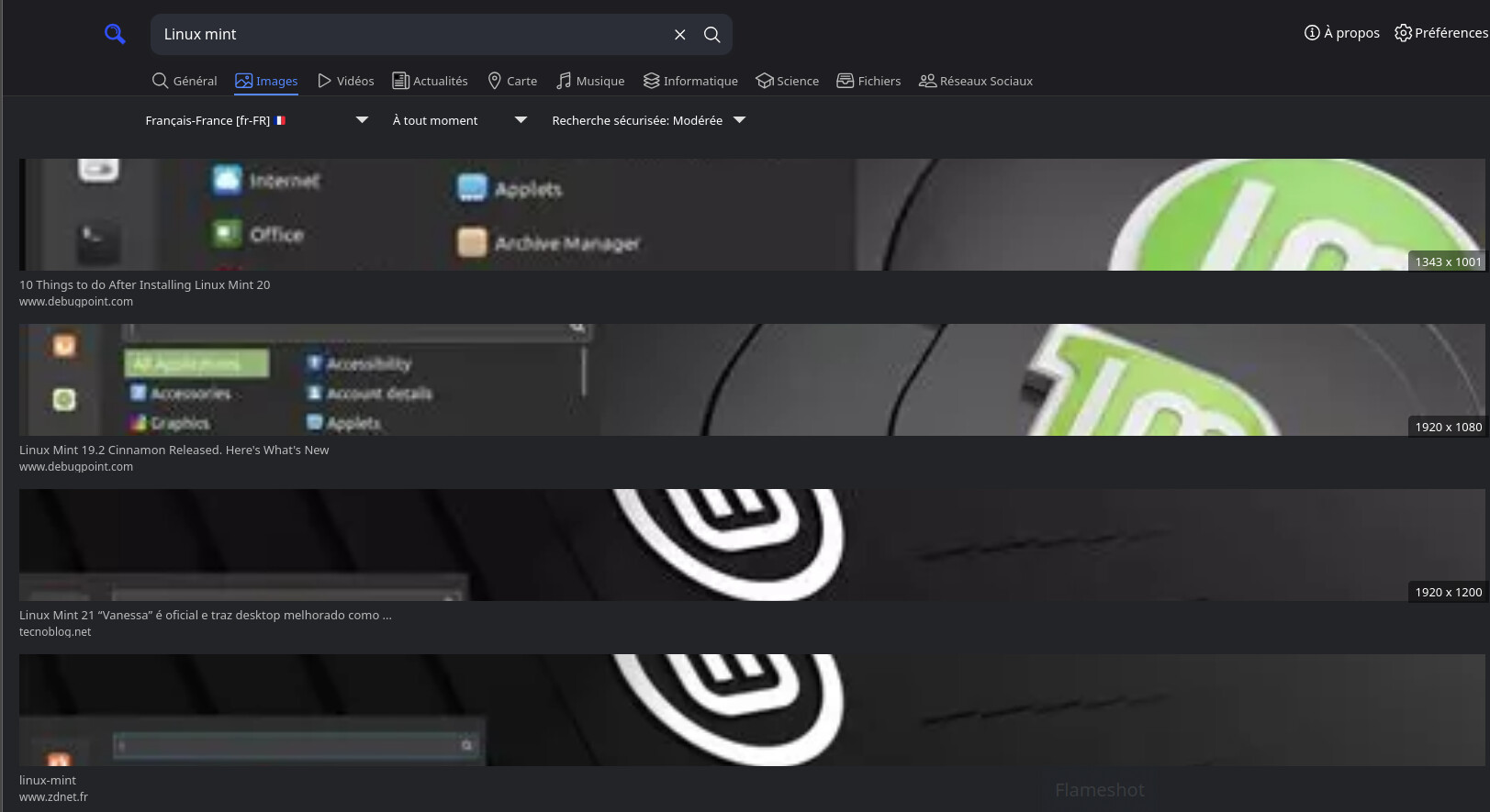
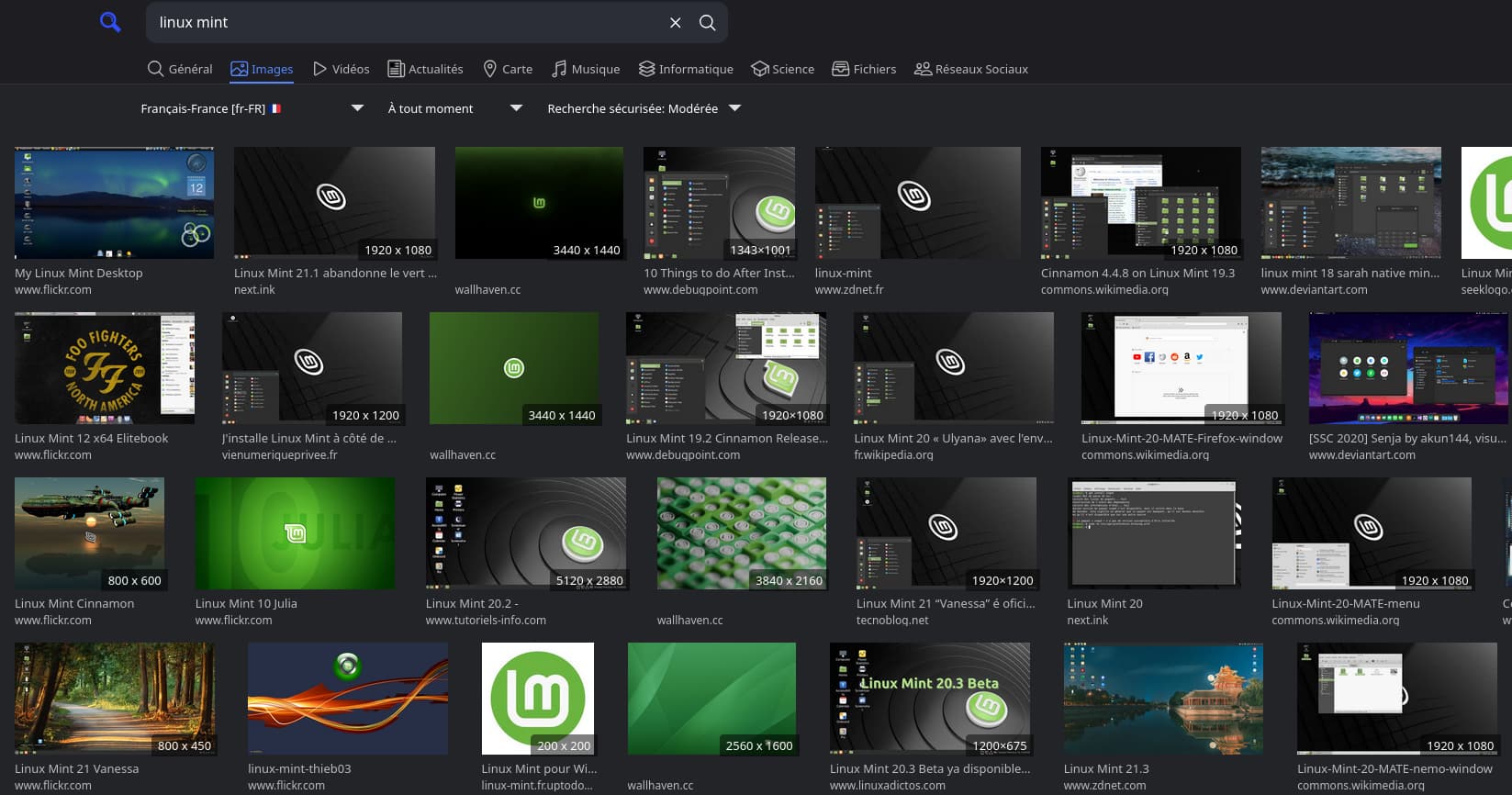
J’ai désinstallé la dernière version et remis la version précédente, le souci n’est pas présent.
Puis, j’ai refait la mise à jour et le problème est présent avec cette dernière version.
Après une recherche sur GitHub et plusieurs solutions proposées, mais sans résultat.
J’ai fini par trouver comment résoudre ce problème (enfin, chez-moi).
Je suis allé dans : nano /var/www/searxng/searxng-src/searx/static/themes/simple/css/searxng.min.css
J’ai recherché, avec le raccourci clavier (CTRL+W) : .result{margin:.125rem 0 (avec .result seul, vous allez galérer)
Remplacer : width:100%;
par width:unset;
Enregistrer CTRL+O et fermer CTRL+X
Relancer le service :
systemctl restart uwsgi-app@searxng.service
After a search on GitHub and several proposed solutions, but without result.
I finally figured out how to fix this problem (well, at home).
I went to:
nano /var/www/searxng/searxng-src/searx/static/themes/simple/css/searxng.min.css
I searched, with the keyboard shortcut (CTRL+W):
.result{margin:.125rem 0 (with .result alone, you’re going to struggle)
Replace:
width:100%;
by
width:unset;
Save CTRL+O and close CTRL+X
Relaunch the service:
systemctl restart uwsgi-app@searxng.service
 but feel free to write in French
  if you’re more comfortable!