Piwigo images upload ok, some thumbs but no image in gallery

What app is this about, and its version: 16.4.0~ynh1
What YunoHost version are you running: 12.1.40.1
What type of hardware are you using: Old laptop or computer

Describe your issue

Hello

I wonder if anyone can help me, please?

I have been running a successful Piwigo instance for some time (6 years) with little or no trouble at all. I did a recent update to 16.4.0.

The site itself is working fine; however, yesterday I uploaded some new photos.

The progress bar completes, and I can then see the thumbnails in Global Mode, but the thumbnail is not available anywhere else, like single mode, and I certainly can’t see the final full-size image. All I see is a grey triangle or broken image icon.

Here is a demo.. It’s the CD Player image. Abstract & Effects | Del Jones Photography The image is in the carousel as a thumbnail.

If I FTP into the server, I can see the uploaded image, so it has uploaded; I can see a thumbnail in Global mode, but I can not see the image anywhere else.

I have no idea what has happened. I’m not a PHP expert, but I’m not afraid of using terminal… So any help would be appreciated.

I have thought about backing it all up, creating a new instance and re-uploading, starting from scratch, but I fear that the problem might follow.

Here is my current set-up:

Piwigo 16.4.0 Check for upgrade
Installed on 5 January 2022, 4 years 6 months ago
Operating system: Linux
PHP: 8.3.32 (Show info) [2026-07-06 06:33:14]
MySQL: 10.11.14-MariaDB-0+deb12u2 [2026-07-06 07:33:14]
Graphics Library: External ImageMagick 6.9.11-60
Cache size 2475.43 Mo calculated 7 hours ago Refresh

Activated plugin list12
About 1 menu
AlwaysShowMetadata
Colored Tags
Contact 1 menu
Contact Form
Exif View
LocalFiles Editor
OpenStreetMap
Perso About
Perso Footer
Piwigo Failed Login logger
Read Metadata

I have cleared/purged all the caches in maintenance. I have also disabled all of my plugins to see if that helps. I have also checked permissions.

Piwigo URL: https://derekjones.net

Many thanks in advance.

Derek

Share relevant logs or error messages

None. Yet
Can you check its ownership ?

@otm33 644. Folders are all 755. As they should be…

dj

yeah… but what is the ownership of the downloaded images ?

@otm33 oh right… If I download a faulty image, the permissions are for me to read and write.

It’s so odd this issue. I can upload an image, the image is in the right directory with the right permissions. I can see thumbnails of it all over the place in piwigo. I can download the image, but I just can’t see the image… It’s so frustrating as the rest of the images on the site are ok and it all behaves as it should. Grrrr…!!!

There have been a lot of PHP update lately. I wonder if something is wrong there?

Dj

Can you check nginx logs :
grep -r "20260706102625-305d52f3-me.jpg" /var/log/nginx
And check the if this file exists in uploads

@jarod5001 thanks for helping out….

So…. I did the: grep -r "20260706102625-305d52f3-me.jpg" /var/log/nginx

And Terminal went for a spin with a long output. I then did a search in the Piwigo uploads folder for 20260706102625-305d52f3-me.jpg, which returned nothing.

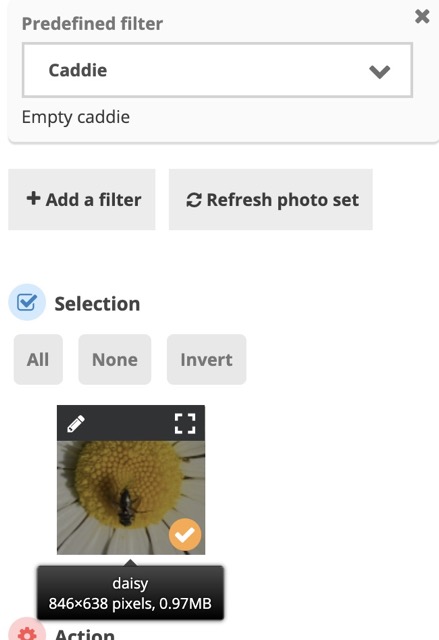
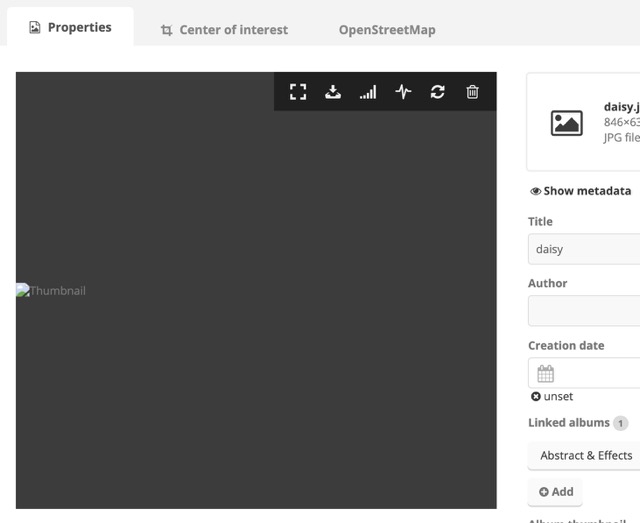
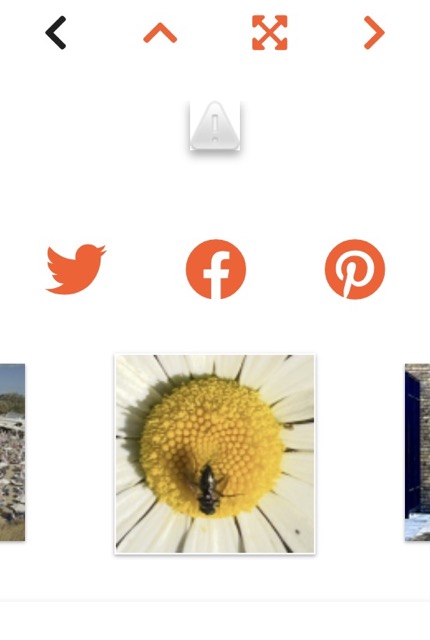
…but I have been cleaning up as this is a production site so I need to be careful how much “junk” I put up. I hope you don’t mind, but below is a step-by-step from scratch showing what goes on…

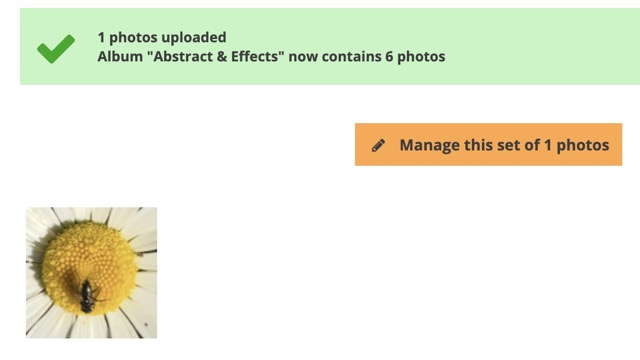
  1. upload an image (this is 1m, tiny… called daisy.jpg) The image is at: Abstract & Effects | Del Jones Photography

  1. The image thumbnail is available for editing

  1. Switch to the image properties view, and the image is broken.

  1. The image does not show in the gallery

  1. The thumbnail is in the gallery carousel…!

  1. I FTP’ed into the directory, and the image is there in its glorious full size…

06_in the UploadFolder Medium

It’s very odd. All other images prior to the recent update are fine, and the site works as it should.

I’m at a loss to understand. I have checked the permissions of the Piwigo files and folders, and they are as they should be. I have disabled all my plugins; I have been in maintenance and cleared the cache, run a database integrity test… everything I can think of.

Dj

I won’t be able to help a lot cause I don’t have the app installed and I don’t have my pc with me for a couple of days.
But check the browser console for errors. You’ll find probably a 404 error.
Run tail - 50 /var/log/nginx/derekjones.net-error.log to see what errors in the logs (you may open a broken image to trigger the error just before running the command)
You can also use the find command to search for the file inside /var/www/app and /home/yunohost.app/app to see if the file is in the correct location.
And check the ownership of the file, for php apps, it should be www-data:app (app is the id of the app)
Hope you’ll get it fixed

@jarod5001 No worries… thanks very much for your time..

I appreciate it

dj