What app is this about, and its version: Owncloud 7.3.1~ynh1 What YunoHost version are you running: 12.1.35 What type of hardware are you using: Old laptop or computer
Describe your issue
Owncloud hits me with
Unexpected HTTP response: 500. Please check your connection and try again.
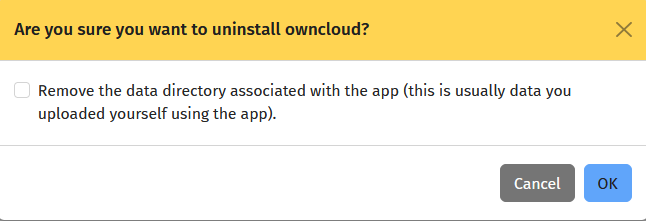
when trying to login to it, i did check if it required any attention from ports, and in logs i saw some error. Its a reinstall on top of a previous one. I did not deleted the data directory previously before installing it back
i tested something. so its impossible to log on a reinstall using a previous data set. Il you uninstall this and keep your old stuff you will prolly hit the same Err 500.
i have the same problem. I forced the update, and I checked tools/services: all is correct. Still the same “Unexpected HTTP response: 500. Please check your connection and try again.”