What app is this about, and its version: Standard Notes Server What YunoHost version are you running: 12.1.37 What type of hardware are you using: Raspberry Pi 3, 4+
Describe your issue
I’m unable to update Standard notes Server Since last Summer, I don’t know what to do
Share relevant logs or error messages
I can’t share the complete logs URL, here is the last part : fopozeyiza
grpc-tools@npm:1.12.4 couldn't be built successfully (logs: /tmp/xfs-06e800c8/build.log)
microtime@npm:3.1.1 couldn't be built successfully (logs: /tmp/xfs-28213ee7/build.log)
sqlite3@npm:5.1.6 couldn't be built successfully (logs: /tmp/xfs-a52c7435/build.log)
More details should be available in those build logs (/tmp/xfs-*/build.log).
Your Raspberry Pi is armhf (32-bit), but the script downloads the arm64 (64-bit) version!?
2. Native dependencies compilation
As mentioned in my previous post:
grpc-tools@npm:1.12.4 couldn't be built successfully
microtime@npm:3.1.1 couldn't be built successfully
sqlite3@npm:5.1.6 couldn't be built successfully
These modules require native compilation which fails. There might be additional information in the generated logs (if they haven’t been deleted).
3. Insufficient resources?
The Raspberry Pi 3 only has 1 GB of RAM (if it’s indeed a Raspberry Pi 3?), but the app requires 1500 MB (see YunoHost app store | Standard Notes ) to install. The script even tries to allocate 6 GB to Node (--max-old-space-size=6144).
Also, since the package is marked as “needs adoption” (unmaintained), a fix may take some time, unless someone familiar with the app happens to be on the forum
Can you try installing build-essential apt package prior to upgrading (a metapackage with default build tools, compilers etc for Debian) on an odd chance it’s a missing dependency?
build-essential didn’t change anything, same behaviour, but now I seem to get some provisioning issues as well, I’ll completely remove SN Server and try a reinstall, fingers crossed.
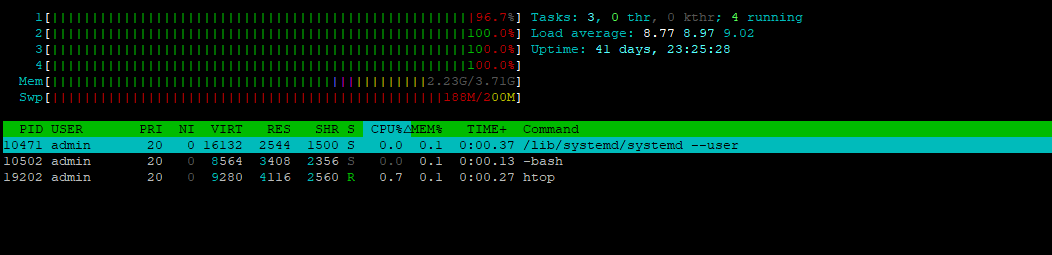
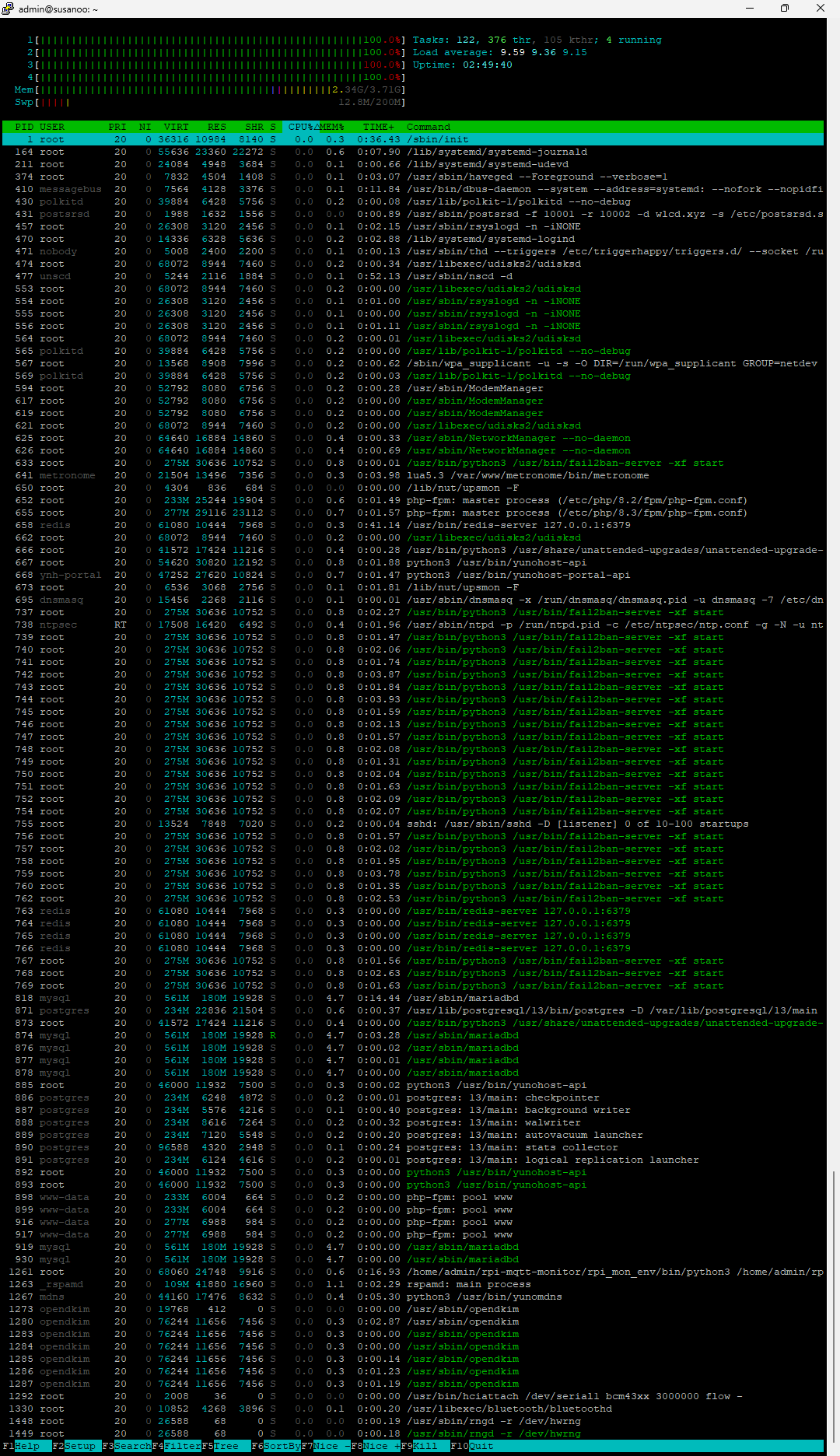
Ok, turns out, the CPU hogging was caused by SN Server itself, now the load is back to normal
Also, the system is 64bit compatible, but running 32bit OS (which I didn’t remember) it seems that a lot more is broken, so I’ve made the decision to start fresh, I restored the system, updated the instance and am now restoring each app one by one, fingers crossed.