What app is this about, and its version: Mastodon 4.4.5 What YunoHost version are you running: 12.1.27 What type of hardware are you using: VPS bought online
Describe your issue
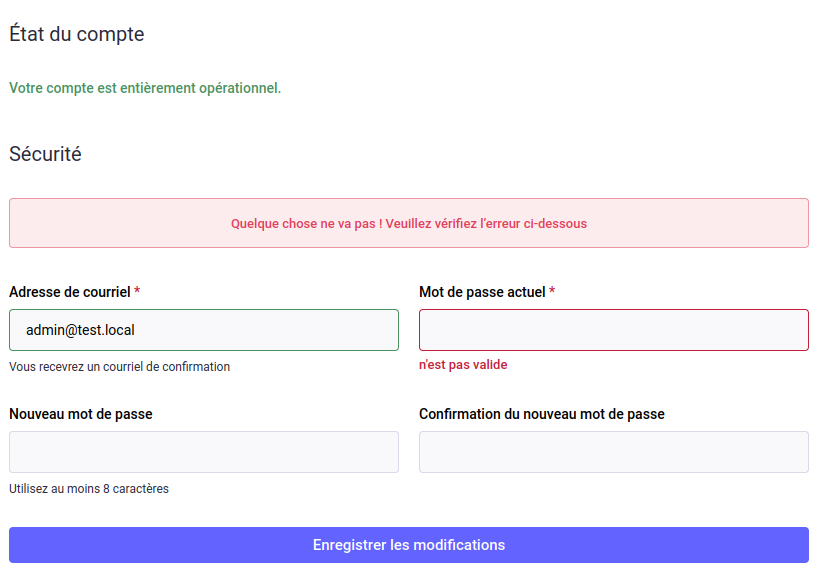
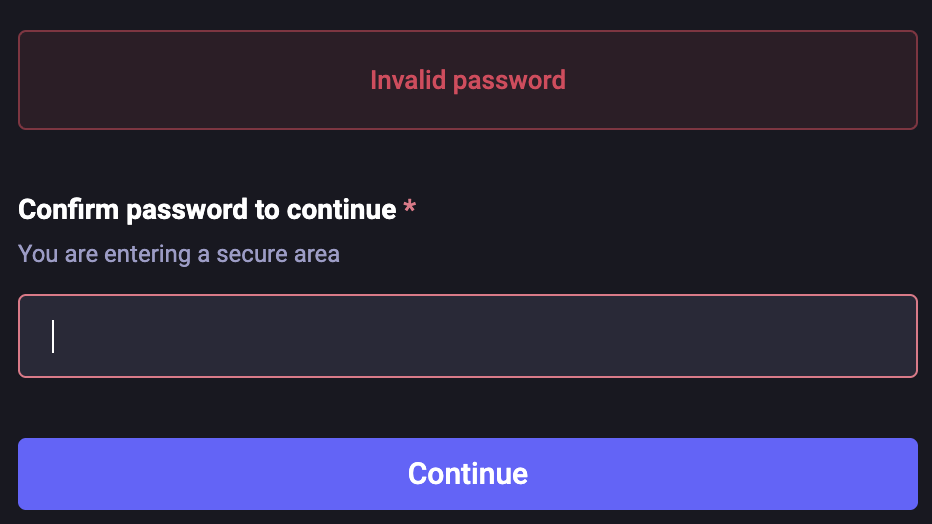
I can log in to my Mastodon server using one of the admin’s passwords, but when I try to change account details or add two-factor authentication, it says the password is incorrect, even though I’ve copied and pasted it, so I know it’s the same one.
I’m fairly new to all this, but I tried to change the password via SSH using Terminal and every command I’ve tried gets the same response of "No such file or directory
Would anyone be able to help?
Thanks in advance.
Share relevant logs or error messages
I can log in to my Mastodon server using one of the admin’s passwords, but when I try to change account details or add two-factor authentication, it says the password is incorrect, even though I’ve copied and pasted it, so I know it’s the same one.
I’m fairly new to all this, but I tried to change the password via SSH using Terminal and every command I’ve tried gets the same response of "No such file or directory
I think you can’t change the account information because these are LDAP accounts. However, two-factor authentication should be possible. Have you tried with another user?
=> Ok but only the user account chosen before the installation can administrate Mastodon. Its password cannot be changed on Mastodon, only through YunoHost webadmin or the YunoHost CLI (same for other users).
Other yunohost users, admins or not, are regular users in Mastodon.
What command did you run ?
Only change user’s passwords through webadmin ou yunohost cli.
yunohost has its own cli : try yunohost --help to see available commands.
Change user’s password with webadmin or through cli with yunohost user update <username> -p <password>
Both. It always says that the password is wrong when I try to change account details in Mastodon or when I try to log in via SSH even though I can log in to Mastodon with it.