What app is this about, and its version: LanguageTool server 6.6~ynh1
What YunoHost version are you running: 13.0.3
What type of hardware are you using: VPS bought online
Describe your issue
Bonjour
je souhaite ajout “LanguageTools” .
Lors de l’installation, j’ai eu une erreur.
Pourriez-vous m’aider à résoudre ce problème ?
Merci
Share relevant logs or error messages
https://paste.yunohost.org/raw/cukiyinuwe
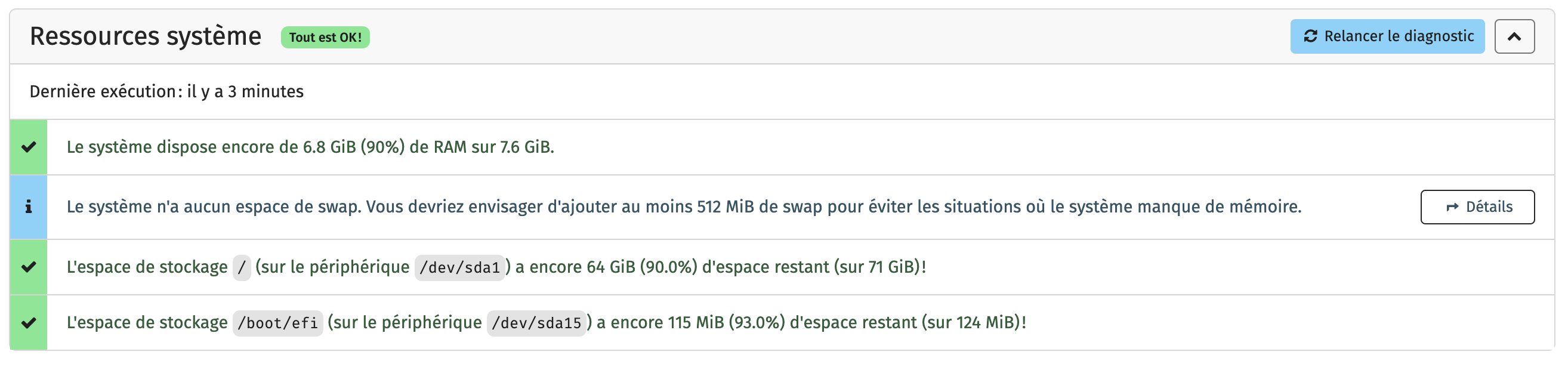
You run out of disk space in /tmp which in Trixie is hosted in the ramdisk.
/tmp/tmp.gQNUeC4qin/en/3grams/_1e4_Lucene50_0.tim: write error (disk full?). Continue? (y/n/^C)
Ah, I see, thank you very much!
Can we increase the disk space of this partition?
Thanks
Unless core moves to /var/tmp the only solution I see for now is tweaking the /tmp allowance with systemctl edit tmp.mount (temporarily?)
cf https://lowendbox.com/blog/a-deep-dive-into-debian-13s-tmp-whats-new-and-what-to-do-if-you-dont-like-it/ (a random link from the internet) for what’s what there.
Hi,
I disabled tmp.mount (systemctl mask tmp.mount) and now I have a new error message: https://paste.yunohost.org/raw/hibidoleya
Can you help me?
I have a proposed fix on a branch, fasttext was updated to support newer versions of g++ promptly before its demise:
sudo yunohost app install https://github.com/YunoHost-Apps/languagetool_ynh/tree/fasttext-main
LMK if this works, I’ll upstream it alongside upgrade to 6.7
Hello,
I installed LanguageTool Server using your command (except for the scary warning:
"sudo yunohost app install GitHub - YunoHost-Apps/languagetool_ynh at fasttext-main
DANGER! This app is not part of YunoHost's app catalog. Installing third-party apps may compromise the integrity and security of your system. You should probably NOT install it unless you know what you are doing. NO SUPPORT will be provided if this app doesn't work or breaks your system... If you are willing to take that risk anyway, type ‘Yes, I understand’: Yes, I understand")
The installation went well. Thank you 
I still need to re-enter the command “systemctl unmask tmp.mount” to restore the ftmp folder.