What app is this about, and its version: Jitsi 2.0.11031~ynh1 What YunoHost version are you running: 12.1.40.1 (stable) What type of hardware are you using: VPS bought online
Describe your issue
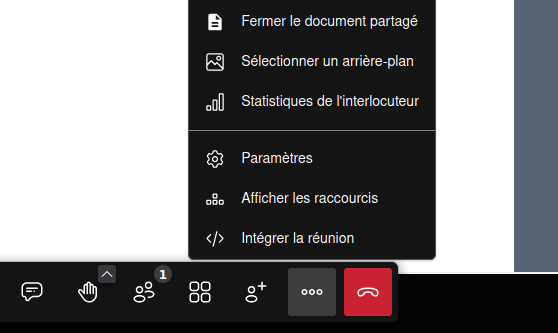
I have succesfully installed jitsi on my rented VPS. It seems there is an option to integrate Etherpad into Jitsi, but I am unsure of how to.
First, I wonder if I instead of Etherpad can use Cryptpad (Which is kind of a fork of Etherpad)?
I am trying now by installing etherpad as well. I already have an instance of cryptpad, but since cryptpad includes more than just a text editor, I wonder i fit will work? Anyway,will try with an instance of etherpad…
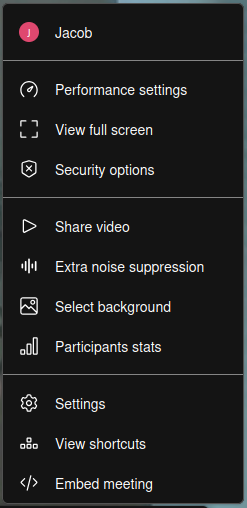
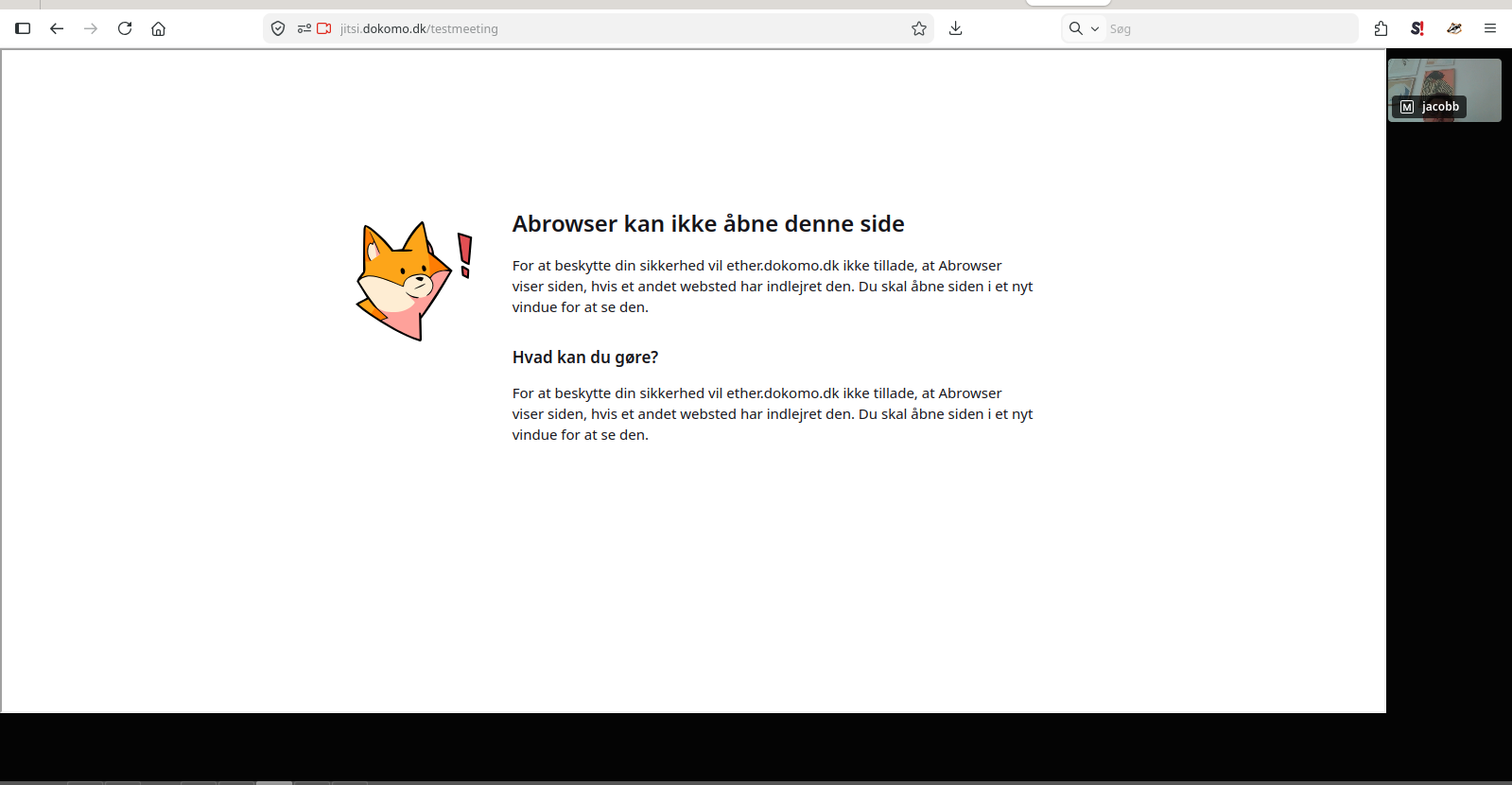
I have installed etherpad and on its own it works fine. I have added the link to it in jitsi app config panel. Still when I open a meeting in jitsi, I don’t se how to activate or open the etherpad.