What app is this about, and its version: Jellyfin 10.11.9 What YunoHost version are you running: 12.1.40.1 What type of hardware are you using: Other(?)
Describe your issue
Hi All,
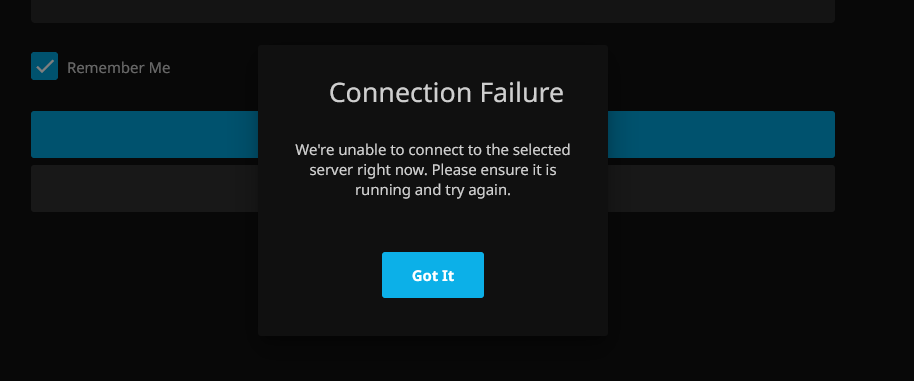
Unable to login to Jellyfin, states that the server is unavailable.
Searched around and there seems to be an issue with Jellyfin and the Jellyfin LDAP plugin.
If you rollback to 10.11.8 it works fine apparently. I am unable to test as I have a fresh install of Yunohost.
Is there anyway for me to install the previous version of Jellyfin until this is resolved? I am sure other Yunohost users will also run into issues.
Share relevant logs or error messages
System.MissingMethodException: Method not found: ‘System.Threading.Tasks.Task MediaBrowser.Controller.Library.IUserManager.RenameUser(Jellyfin.Database.Implementations.Entities.User, System.String)’.
Just as an update, the LDAP plugin for Jellyfin has been updated to address the issue.
Stop the Jellyfin server
Download the latest .zip file, extract it into the Jellyfin Plugins LDAP folder
/home/yunohost.app/jellyfin/plugins/LDAP Authentication
Start the Jellyfin server
I tried the above and at first it looked like it worked but it wasn’t giving me admin settings. I restarted the Jellyfin service again and it all failed.
You will see that there were some login attempts with incorrect username password. Those were tests. It recognised the admin account password was incorrect but won’t seem to login at all with correct credentials.
After the update I was able to log in but it was logging in as a normal account, not admin.I signed out and tried again but then it failed again like above.
I can sign in with a normal account, sign out then still sign in again without issue.It is perplexing!!
I have tried completely uninstalling Jellyfin and reinstalling, still no luck.
This was a fresh install as I only just came back to using Yunohost. So I have never had a chance to log in.
If someone created a new admin account, could they test and see if this happens for them?
 thanks!