What type of hardware are you using: VPS bought online What YunoHost version are you running: 12.1.14 How are you able to access your server: SSH
Describe your issue
I updated the system and the user groups page is not opening and I cannot log in to the root account. I changed the password again but nothing happened.
I cannot log in with the admin username.
I am using a vps server as the domain name and I cannot log in as root and admin with the ip addressI cannot log in with the admin username.
I am using a vps server as the domain name and I cannot log in as root and admin with n?
Do you have access to the webadmin? Install webmin and use its terminal. (webmin login is root and password is the root password).
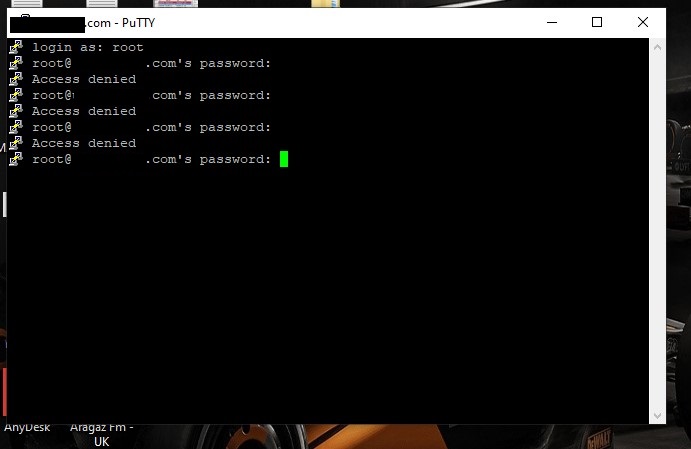
You can’t login via ssh using root user. Don’t try it, it will fail and you may get banned from your server.
subdomains : at home or other locations, not a problem for this thread
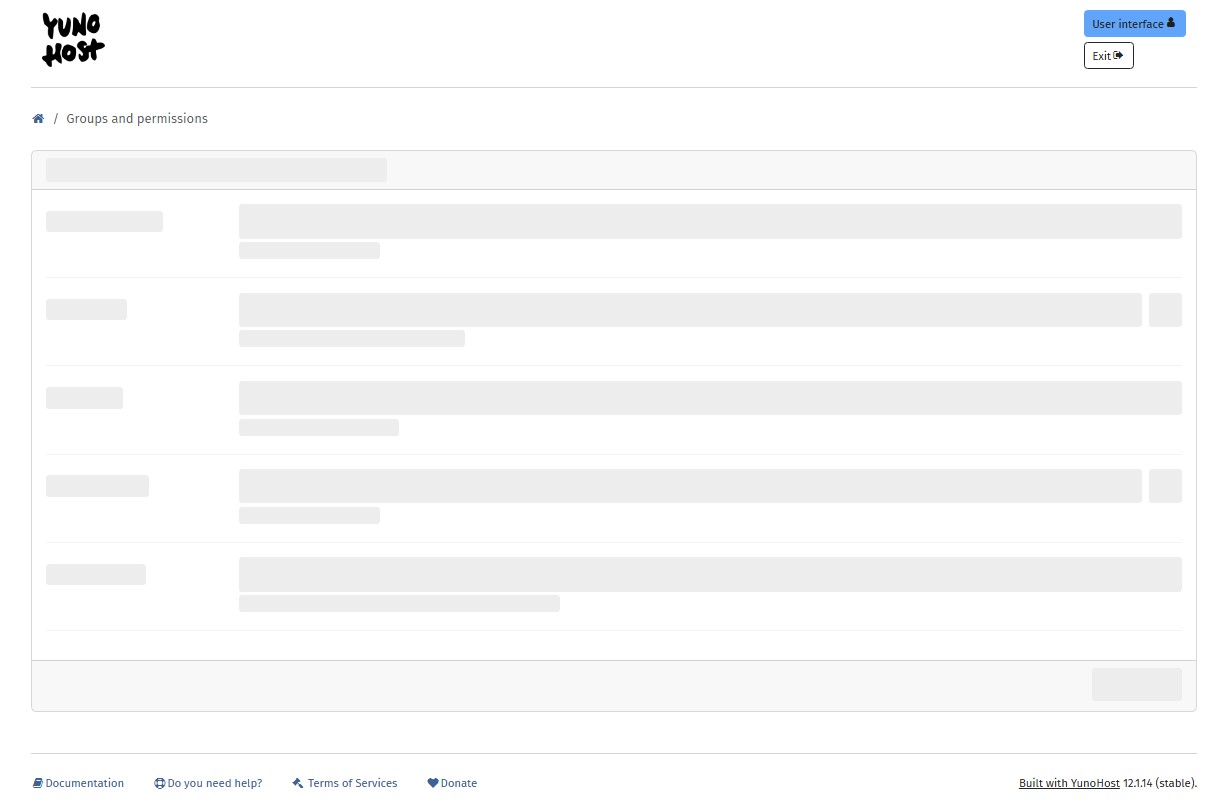
The ‘white’ screenshot, is that how it appears when you log in? It seems the GUI can’t access the back end. Cleaning cookies or using an incognito tab may solve that. Has the server been rebooted since the upgrade?
The VPS usually comes with a administration / maintenance panel from the hoster. There should be some VNC or other access to the ‘bare metal’ VM.
SSH login for root is generally ‘frowned upon’ especially password log in. Way back, when installing Yunohost, did you accept Yunohost taking over SSH configuration?
In the “Groups and permissions” menu, the screen stays white. I cleared cookies, restarted the server, and tried from an incognito tab and another computer, but I still face the same issue. Before updating Yunohost, I was able to log in, but after the update I get the error “Permission denied, please try again.” when trying to log in with the root and admin accounts.
In YunoHost, the Permission denied, please try again. error when logging in to SSH with the root account usually happens for these reasons:
1. Root SSH access might have been disabled after the update
During installation or updates, YunoHost may change the SSH configuration.
In /etc/ssh/sshd_config, you may find:
PermitRootLogin no
In that case, you cannot log in as root.
Solution:
If your VPS provider has VNC / Console access, connect from there.
Then edit the file:
nano /etc/ssh/sshd_config
Change it to PermitRootLogin yes.
Restart the service:
systemctl restart ssh
2. The root password might have been reset or broken
Once you have console access, reset the password:
passwd root
3. Try logging in with the admin account
YunoHost usually recommends using the admin account for SSH instead of root.
After accessing the console, you can also reset the admin password:
yunohost tools adminpw
At this point, the only way forward seems to be accessing the server through your hosting provider’s panel (VNC/KVM console). Since SSH isn’t working, you’ll need to fix it from inside.
If you want, I can write you the exact step-by-step commands to run once you get into the VNC console. Would you like that?
One way to investigate what’s going on can be to run those command via SSH to check if they’re somehow crashing or returning an error (no need to share the actual result if it works fine):
sudo yunohost user list
sudo yunohost user group list
sudo yunohost user permission list --full
Alternatively, with the webadmin open, checking the javascript debug console with F12 > checking the “Console” tab, maybe there’s some red error displayed in there
Traceback (most recent call last):
  File "/usr/lib/python3/dist-packages/moulinette/interfaces/api.py", line 430, in process
    ret = self.actionsmap.process(arguments, timeout=30, route=_route)
          ^^^^^^^^^^^^^^^^^^^^^^^^^^^^^^^^^^^^^^^^^^^^^^^^^^^^^^^^^^^^
  File "/usr/lib/python3/dist-packages/moulinette/actionsmap.py", line 580, in process
    return func(**arguments)
           ^^^^^^^^^^^^^^^^^
  File "/usr/lib/python3/dist-packages/yunohost/user.py", line 1085, in user_group_list
    perms = user_permission_list(full=False)["permissions"]
            ^^^^^^^^^^^^^^^^^^^^^^^^^^^^^^^^
  File "/usr/lib/python3/dist-packages/yunohost/permission.py", line 162, in user_permission_list
    system_perm_conf = _get_system_perms()
                       ^^^^^^^^^^^^^^^^^^^
  File "/usr/lib/python3/dist-packages/yunohost/permission.py", line 872, in _get_system_perms
    for p, infos in system_perm_conf.items():
RuntimeError: dictionary changed size during iteration
Hmmmokay indeed there’s a bug, should be fixed in next release but in the meantime you can try to fix it manually by looking at /etc/yunohost/permissions.yml, and supposedly there’s a key in there that is neither mail, sftp or ssh ?
index-DkXuyNqN.js:139 SyntaxError: 10
    at _s (core-BHmfxDcu.js:35:590)
    at d (core-BHmfxDcu.js:36:1015)
    at W (core-BHmfxDcu.js:36:6430)
    at q (core-BHmfxDcu.js:36:6591)
    at Object.K [as nextToken] (core-BHmfxDcu.js:36:7057)
    at p (core-BHmfxDcu.js:36:8885)
    at v (core-BHmfxDcu.js:36:10517)
    at m (core-BHmfxDcu.js:36:11100)
    at Object.w [as parse] (core-BHmfxDcu.js:36:11263)
    at cE (core-BHmfxDcu.js:37:518)
(anonymous) @ index-DkXuyNqN.js:139Understand this error
core-BHmfxDcu.js:14 SyntaxError: 10
    at _s (core-BHmfxDcu.js:35:590)
    at d (core-BHmfxDcu.js:36:1015)
    at W (core-BHmfxDcu.js:36:6430)
    at q (core-BHmfxDcu.js:36:6591)
    at Object.K [as nextToken] (core-BHmfxDcu.js:36:7057)
    at p (core-BHmfxDcu.js:36:8885)
    at v (core-BHmfxDcu.js:36:10517)
    at m (core-BHmfxDcu.js:36:11100)
    at Object.w [as parse] (core-BHmfxDcu.js:36:11263)
    at cE (core-BHmfxDcu.js:37:518)

 Solution: