[FileBrowser] Web File Browser

Filebrowser for YunoHost

Integration level
Install Filebrowser with YunoHost

Overview

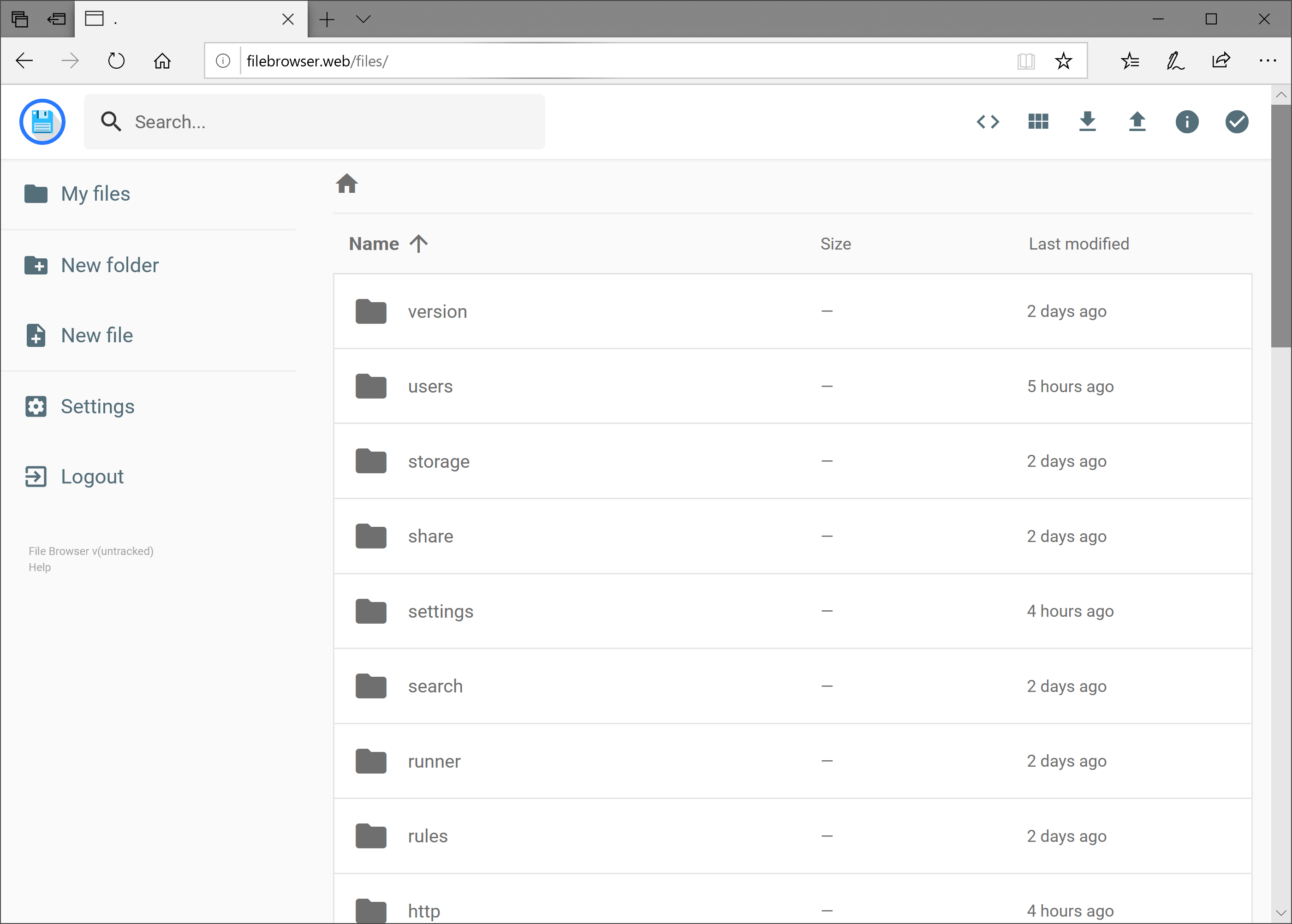
filebrowser provides a file managing interface within a specified directory and it can be used to upload, delete, preview, rename and edit your files. It allows the creation of multiple users and each user can have its own directory. It can be used as a standalone app or as a middleware.

Shipped version: 2.20.1~ynh1

Screenshots

Documentation and resources

Developer info

To try the testing branch, please proceed like that.

sudo yunohost app install https://github.com/YunoHost-Apps/filebrowser_ynh/tree/testing --debug
or
sudo yunohost app upgrade filebrowser -u https://github.com/YunoHost-Apps/filebrowser_ynh/tree/testing --debug
2 Likes

Hello @ericg ,
How can I change the specified/default directory? I would like to browse the entire hdd on which my server and apps are installed.

(I have seen your answer here but - I might be blind - I can’t find any answer to my problem in this readme)

Thanks.

the README you are looking for is here: https://github.com/YunoHost-Apps/filebrowser_ynh/blob/master/doc/ADMIN.md

Thanks! :grinning:

Hi! After install, I open and try the admin/admin user/password and have no access (wrong password). What else can I try?

Hello @Hermano
See this thread :

Open a terminal and run systemctl status filebrowser: you’ll find the generated admin password there. You can find it too in Webadmin>tools>services>filebrowser>journalctl log.

1 Like

how does this compare to filebrowser quantum ?

I have added credentials displayed after a fresh install and sent to server administrator here :

Feedback is very welcome.

After the penultimate update, filebrowser caused uncontrolled CPU loading of 100%. I don’t often go to the server, but today I accidentally noticed fully loaded CPUs, and started to figure it out.
I did the last update today - no changes. The load on the processor disappears if you disable FileBrowser. And I liked it so much..