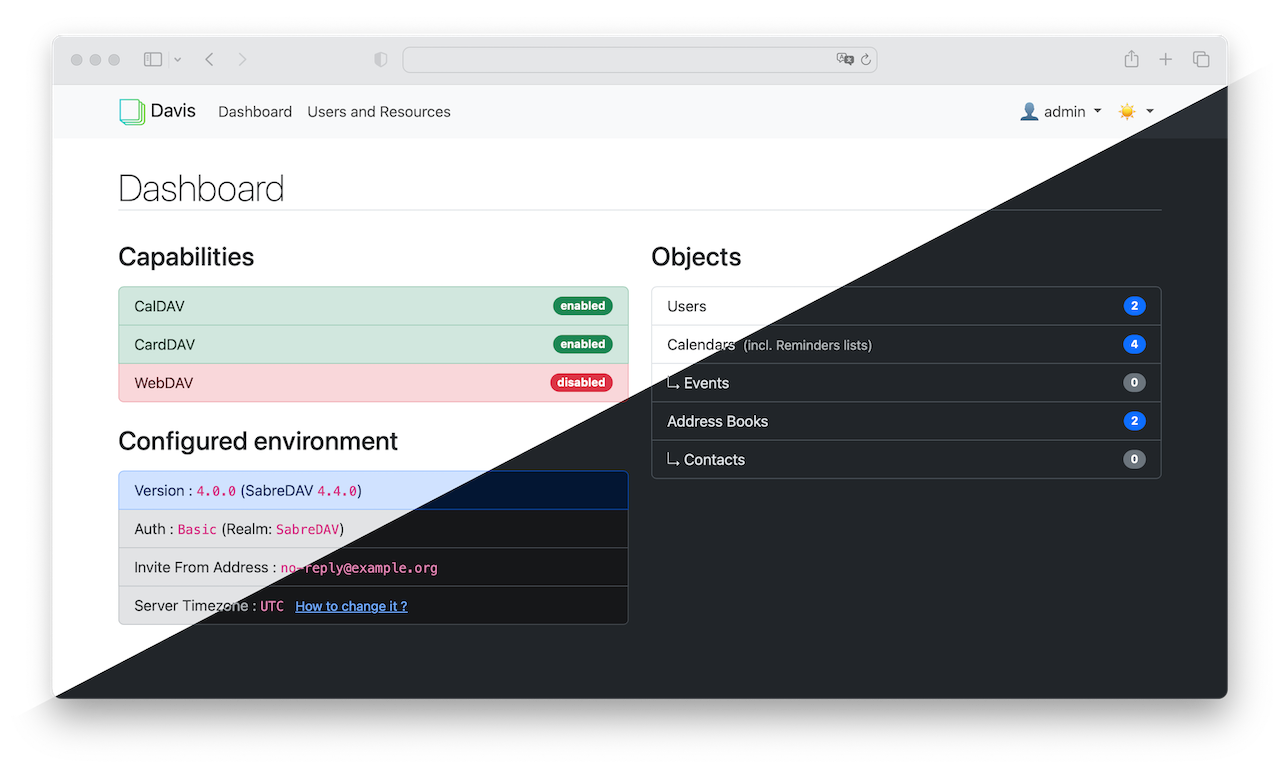
Davis is a lightweight CalDAV+CardDAV server. It offers an extensive web interface with easy management of users, address books and calendars. It is fast and simple to install and only needs a basic PHP capable server. The data are stored in a PostgreSQL database. Inspired by Baïkal.
Just installed this after trying baikal and instantly failing the first login attempt. Davis logged in fine and looks great. Only I’m a bit stuck on how to actually use it. Icve created a user and a public calendar ok, even logged in via another device with davX. Only the calendar is read only and I can’t see anywhere in the webui to change that. I can’t add events or do anything. And endless websearching yeilds NOTHING on this app. Please, someone help.
I just installed Davis and had the same issue. I couldn’t figure out how to log in with a user I created. I couldn’t even log in with a yunohost user. Nothing was working.
I got it to work by adding this: “AUTH_BACKEND=ldap” to the /var/www/davis/.env.local file
I used nano to edit the “.env.local” file and then added AUTH_BACKEND=ldap
Then I restarted php with “systemctl restart php8.4-fpm” (I’m using php8.4, but you will need to know which php version you are using)
After restarting php, I was able to log in with the user I created in the Davis Admin web interface.
Glad you got it working, mate. I ended up quitting on it, sadly. But I ended up using Nextcloud and that is SOOOO much better. Smooth working environment, endless options. Couldn’t recommend it more, even just for something simple as an online calendar.