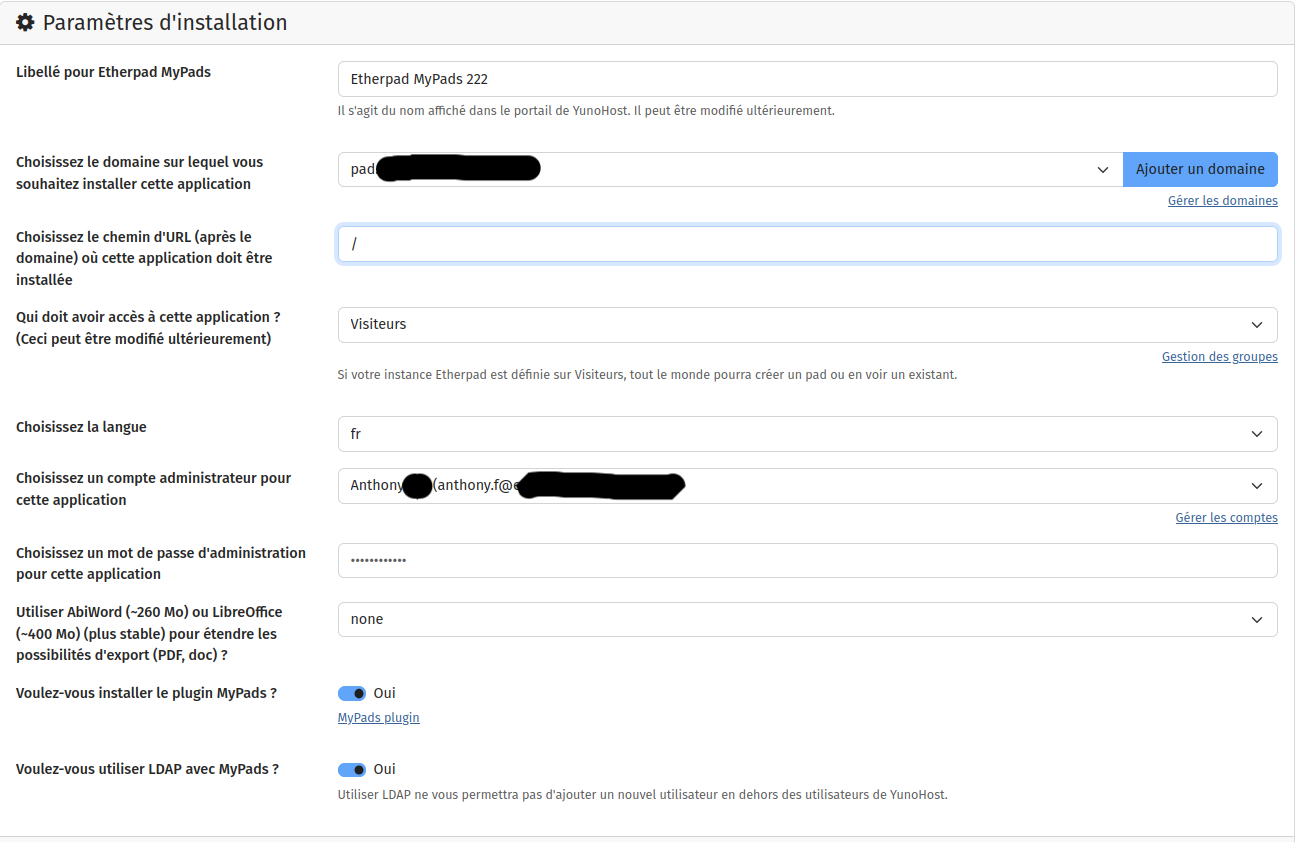
What app is this about, and its version: Etherpad MyPads 1.9.1~ynh3
What YunoHost version are you running: 12.1.28
What type of hardware are you using: Virtual machine
Describe your issue
 Hello, despite several attempts, I am unable to log in to /admin on my Etherpad_mypads (as well as Etherpad). I can access the admin section of MyPads, but never Etherpad.
I have tried with and without LDAP, with/without AbiWord/Office. I have also tried with another domain.
I get the login popup, but whatever I enter, it just returns to the popup.
I checked credential.json, which has the correct information in plain text. I removed all special characters and only used 1->9Aa-Zz. Nothing works.
Are you having these problems? I can’t find anything on the forum, so I think it’s coming from my end. But I don’t see where?
Thanks,
 Bonjour, malgré plusieurs tentatives, je n’arrive pas à me connecter à /admin de mon Etherpad_mypads (mais aussi Etherpad). J’arrive bien à accéder à l’admin de MyPads mais jamais de l’Etherpad.
J’ai essayé avec et sans LDAP, avec/sans AbiWord/Office. J’ai aussi essayé avec un autre domaine.
J’ai bien le popup de connexion, mais quoi que je saisisse, il revient sur le popup.
J’ai regardé le credential.json qui a les bonnes informations en clair. J’ai supprimé tous caractères spéciaux, mis que des 1->9Aa-Zz. Rien n’y fait.
Avez-vous ces problèmes ? Je ne trouve rien sur le forum, donc je pense que ça vient de chez moi. Mais je ne vois pas où ?
Merci d’avance
Share relevant logs or error messages
/*
  This file must be valid JSON. But comments are allowed
*/
{
  /*
   * The type of the database.
   *
   * You can choose between many DB drivers, for example: dirty, postgres,
   * sqlite, mysql.
   *
   * You shouldn't use "dirty" for for anything else than testing or
   * development.
   *
   *
   * Database specific settings are dependent on dbType, and go in dbSettings.
   * Remember that since Etherpad 1.6.0 you can also store these informations in
   * credentials.json.
   *
   * For a complete list of the supported drivers, please refer to:
   * https://www.npmjs.com/package/ueberdb2
   */

  /* An Example of MySQL Configuration */
   "dbType" : "mysql",
   "dbSettings" : {
                    "user"    : "etherpad_mypads",
                    "host"    : "localhost",
                    "password": "my_db_password",
                    "database": "etherpad_mypads",
                    "charset" : "utf8mb4"
                  },

  /*
   * Users for basic authentication.
   *
   * is_admin = true gives access to /admin.
   * If you do not uncomment this, /admin will not be available!
   *
   * WARNING: passwords should not be stored in plaintext in this file.
   *          If you want to mitigate this, please install ep_hash_auth and
   *          follow the section "secure your installation" in README.md
   */
  "users": {
    "anthony.f": {
      // 1) "password" can be replaced with "hash" if you install ep_hash_auth
      // 2) please note that if password is null, the user will not be created
      "password": "my_password",
      "is_admin": true
    }
  },
}