This category is for issues regarding specific apps, NOT general issues with YunoHost.
on
This form is written in English but feel free to write in French if you’re more comfortable!
on
What app is this about, and its version
Vaultwarden 1.37.3~ynh1
What YunoHost version are you running
12.1.41.2
What type of hardware are you using
VPS bought online
Describe your issue
Hello!
I installed Yunohost on a VPS last week and wanted to install VaultWarden this morning. It installed fine and I get a message that says “Single sign-on is available (SSO)” in the logs, which is exactly what I want.
However, when I open the Vaultwarden configuration page, I cannot enable SSO without providing a Client ID, Client Key and Authority Server. I cannot find any SSO configuration screen in the web interface and I don’t know how to obtain those for Vaultwarden.
The only documentation I’ve found on the subject is very sparse and doesn’t allow me to progress. I can’t paste the link as a new user but the documentation I’ve been looking at is the application installation guide that has a very short section on LDAP and SSO.
What am I missing?
Share relevant logs or error messages
I can’t share the installation logs because I can’t include links as a new user. However, they show no issue during installation.
Error when trying to enable SSO in Vaultwarden config:
Error saving config
Unable to save config: SSO_CLIENT_ID, SSO_CLIENT_SECRET and SSO_AUTHORITY must be set for SSO support
In installed Dex as suggested. Dex expects OIDC applications to configure their settings when installed. So I uninstalled vaultwarden and reinstalled it. Unfortunately, it didn’t auto-configure anything so I tried to do it manually by adding a YAML file in /var/www/dex/config.yaml.d
Then I did this:
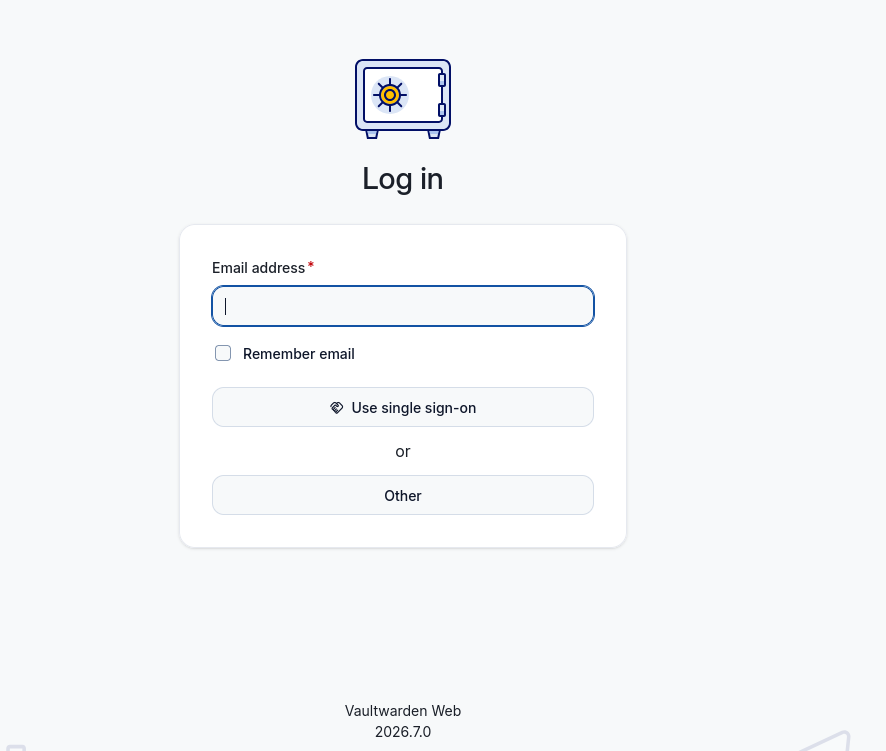
Open Vaultwarden => “Use single sign-on button is there”
Go to single sign-on: I get the Yunohost login page
Enter an incorrect password => it tells me it’s incorrect, all good
Enter the correct password => it redirects to Vaultwarden but fails with an “invalid client credentials” error
This suggests that I have a discrepancy between what Dex knows and what Vaultwarden knows. I restarted Dex in case it needed to re-read its config after I updated it manually but that doesn’t fix the problem.
How can I debug this?
My Dex logs are at paste dot yunohost dot org slash cojakaqibi
My Vaultwarden logs are at paste dot yunohost dot org slash eqoduverot (too new to share links in messages)
The doc is a bit confusing, I agree… I guess it refers to the few apps (headplane, lasuite-docs…) that include in their installation a step to add their client conf file in dex.
E.g:
Ah yes, I missed that! However, when I do this, I get an exception in ssowatconf:
File “/usr/lib/python3/dist-packages/yunohost/app.py”, line 2080, in app_ssowatconf
assert auth_header in [“basic-with-password”, “basic-without-password”]
^^^^^^^^^^^^^^^^^^^^^^^^^^^^^^^^^^^^^^^^^^^^^^^^^^^^^^^^^^^^^^^^
So I’m not sure what to do with that. Is there another place where I should update that setting?
I have added the “dex step” to the vaultwarden installation : you can test it from this branch :
Cool, thanks, I’ll try that. Is it likely to fall foul of the ssowatconf issue I have above?
I apologise for all the newbie questions, I’ve only been experimenting with yunohost for a week, mostly through the web interface rather than the command line, and I feel that I don’t know enough to ask good questions.
Follow up on installing the branch. I uninstalled vaultwarden first and then tries to install the branch and I get an error:
INFO Installing vaultwarden…
INFO Provisioning sources…
INFO Provisioning system_user…
INFO Provisioning install_dir…
INFO Provisioning data_dir…
INFO Provisioning ports…
INFO Provisioning permissions…
WARNING Failed to provision permissions :
INFO Deprovisioning sources…
INFO Deprovisioning system_user…
INFO Deprovisioning install_dir…
INFO Deprovisioning data_dir…
INFO Deprovisioning ports…
INFO Deprovisioning permissions..
ERROR Failed to rollback permissions :
ERROR Provisioning, deprovisioning, or updating resources for vaultwarden failed:
INFO The operation ‘Install the ‘vaultwarden’ app’ could not be completed. Please share the full log of this operation using the command ‘yunohost log share 20260929-102331-app_install-vaultwarden’ to get help
ERROR The operation ‘Install the ‘vaultwarden’ app’ could not be completed. Please share the full log of this operation using the command ‘yunohost log share 20260929-102331-app_install-vaultwarden’ to get help
The yunohost log is at: paste dot yunohost dot org slash raw slash akitofehuw
Those issues are due to double quotes when running sudo yunohost app setting dex auth_header -v “basic-without-password” (in the linked post) : “ instead of ".
Anyway, I’m not sure this command is mandatory. Run
NB: If you uninstall using the CLI, add the --purge flag otherwise, the data stored in /home/yunohost.app/vaultwarden will mess up the further installations.