This package allows you to install Backrest quickly and simply on a YunoHost server. If you don’t have YunoHost, please consult the guide to learn how to install it.
Overview
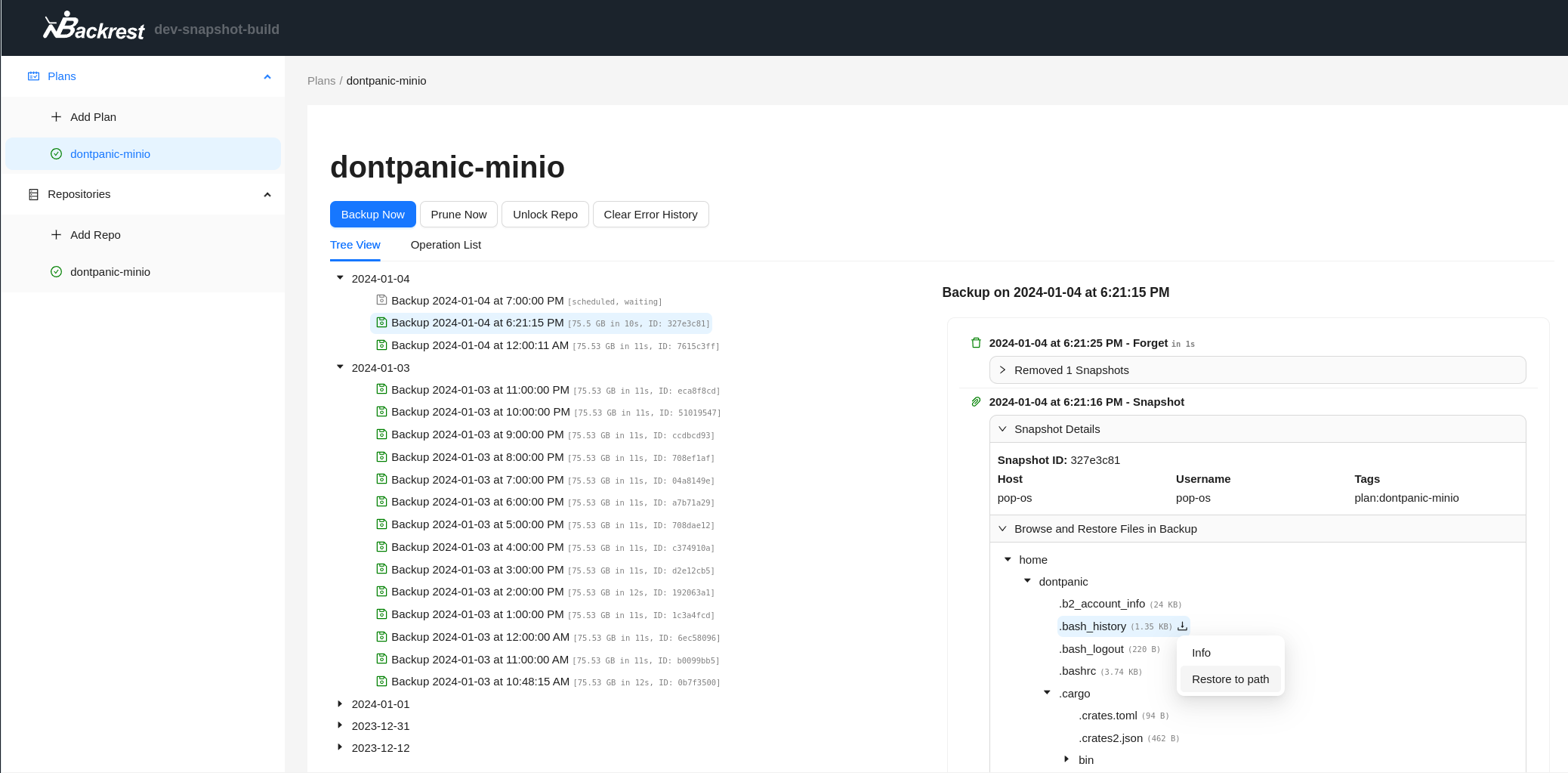
Backrest is a web-accessible backup solution built on top of restic. Backrest provides a WebUI which wraps the restic CLI and makes it easy to create repos, browse snapshots, and restore files. Additionally, Backrest can run in the background and take an opinionated approach to scheduling snapshots and orchestrating repo health operations.
After installation, my postgresql failed to boot after new ACLs were granted to “/var/lib/postgresql/15/main” (at least that is what I have been able to gather).
This caused several other services to fail.
Permissions were restored with
sudo chmod 700 -R /var/lib/postgresql/15/main
after having tried to edit the ACLs with setfacl, which did not help.
I had all instances/clusters of postgresql failing to start.
Lots of services affected. I believe the solution was very easy in the end, just re-applying correct permissions to all instances in /var/lib/postgresql/.
I repeated for /var/lib/postgresql/15/main/, /var/lib/postgresql/16/main/ and /var/lib/postgresql/17/main/.
I didn’t add permissions for the app to access these folders.
I tried to avoid breaking the system but it was not enough.
I will rethink about changing the user running it.
I have tried running it as root without problem, but I was not confortable giving it root permission.
You can try to change the systemd service of backrest, change user and group to root, reload daemon and restart the app.
After searching for a bit, I just found out that Restic doesn’t support cold storage options for now. This is a dealbreaker for me due to cost reasons, as I use it solely for disaster recovery.
Thanks for the interest.
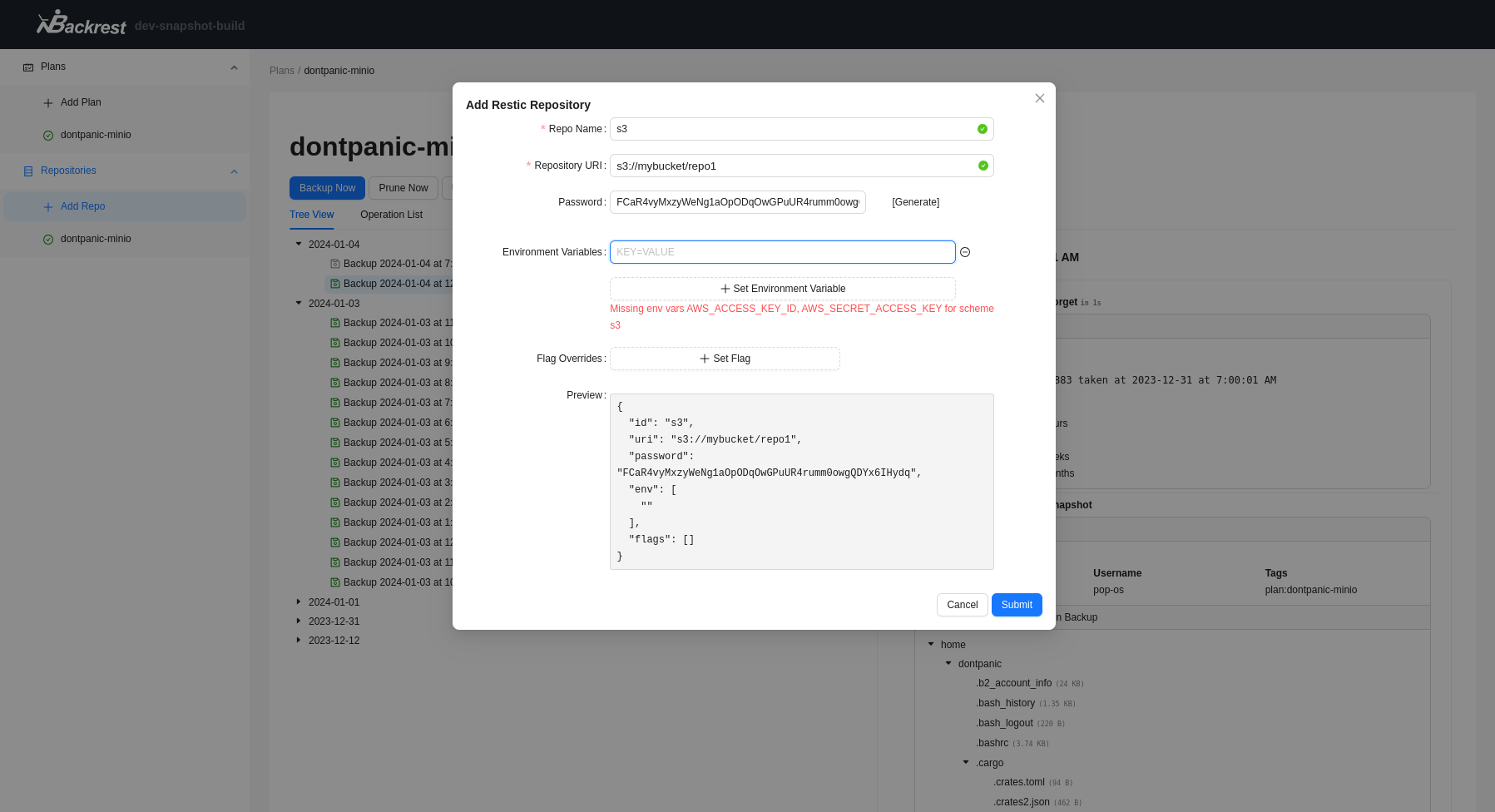
I have packaged backrest mainly because I needed s3 support.
I will certainly keep an eye on the “backrust” development.
The web interface gives a lot of information in one go.
I am grateful for your feedback.
I just want to give a public thank you to the folks who have made the Backrest app possible. I have Restic installed on my system and have been using it for a few years, trouble-free, but I found the CLI such a drag to use to achieve a simple thing. I love Restic, but with Backrest it’s just unleashed a new and very useful beast. Thank you very much, gang!!
Thanks for this tutorial.
Note that backrest ships its own version of restic that is available in the data_dir /home/yunohost.apps/backrest. I forgot to add it to the path of backrest shell. Will do it when I have time.
I wanted to mix yunohost backup with backrest to get a deduplicated backup but this needs some work.
What would be nice is to have a restore tutorial also.
@jarod5001 because Backrest does it all in the GUI I omitted a restore tutorial, but yes it’s important to include as the recovery is the trickiest part compared to the back up. I’ll put one together.
I did a tutorial on restic here for backing up and cron creation. I’ll add a section on restoring here.