To confirm @ele‘s findings: leave the password empty
Unfortunately, I did not take a screenshot of the initial login screen.
-
There were three fields:
- ‘password from installation config file’
- user
- user password
-
Following ele’s advice:
- first field empty
- second field a YNH user
- third field the YNH user password
-
Result? Error!
-
Retry? Error!
-
Threw away cookies, retried, error
-
Went back to the forum trying to find another, more recent, hint, only found ele’s post
-
Threw away cookies, refreshed, got this login screen instead, with a single user:
-
Here I used ‘Sign In’
- Used the same YNH user as before
- Used the same YNH password as before
- and …
-
Success!
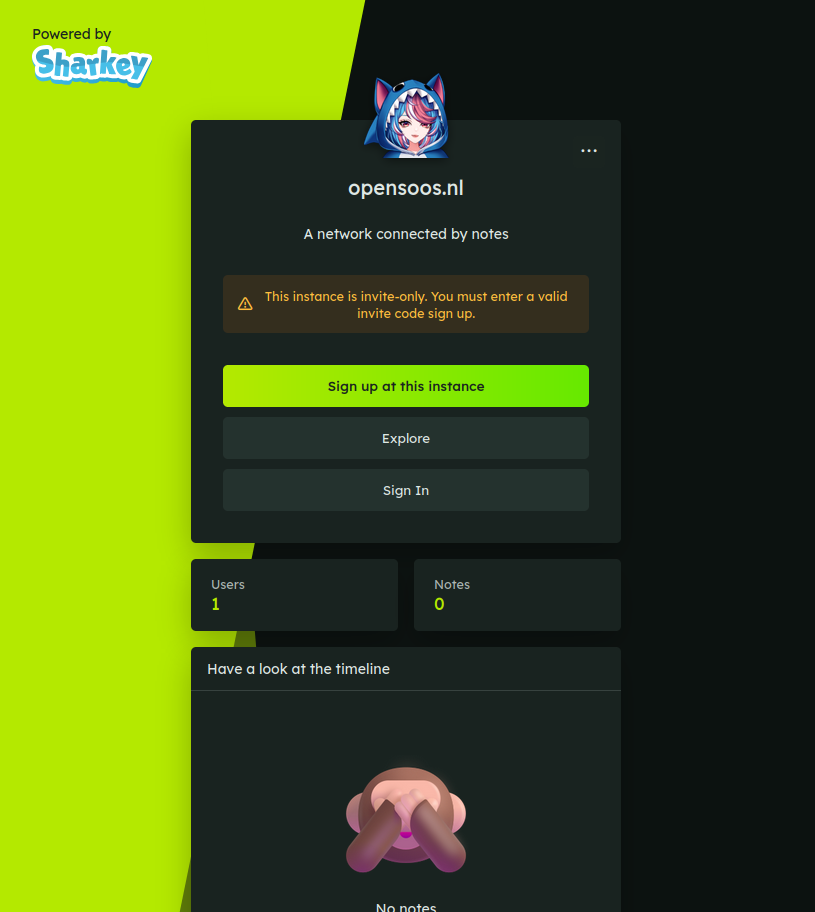
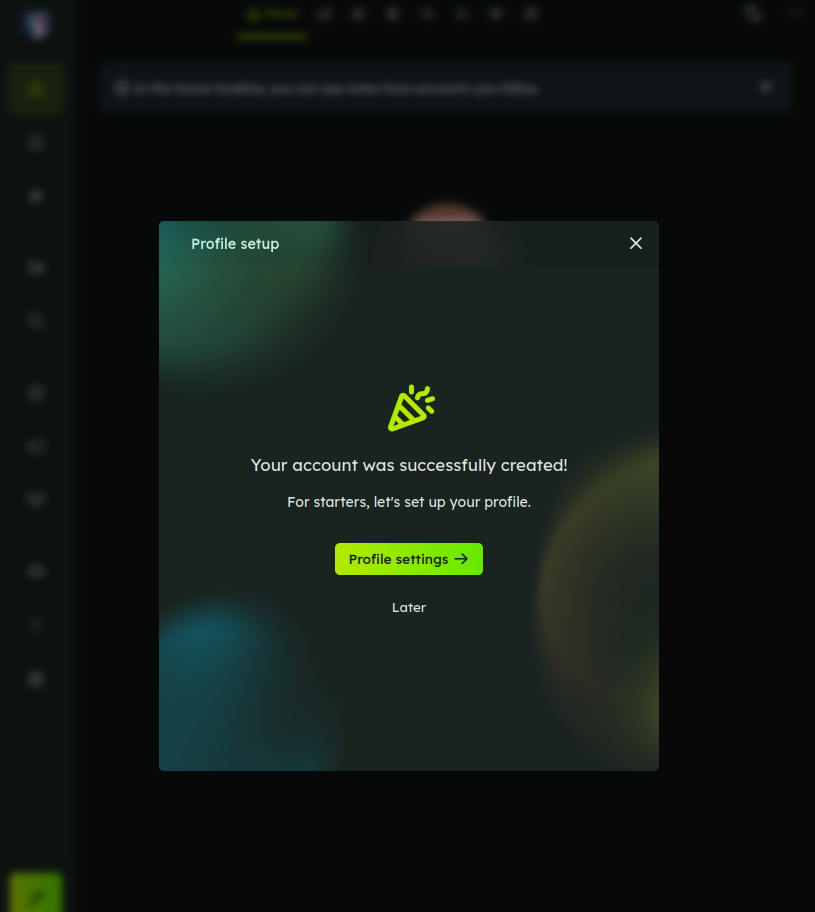
Or, so it would seem. I went back (browser-back) , hoping to get to the initial 3-field login screen to take screenshots, but it was not it the browser cache.
Then I went on to at least document the successful login; using the same user/pass again, I got a number of times:
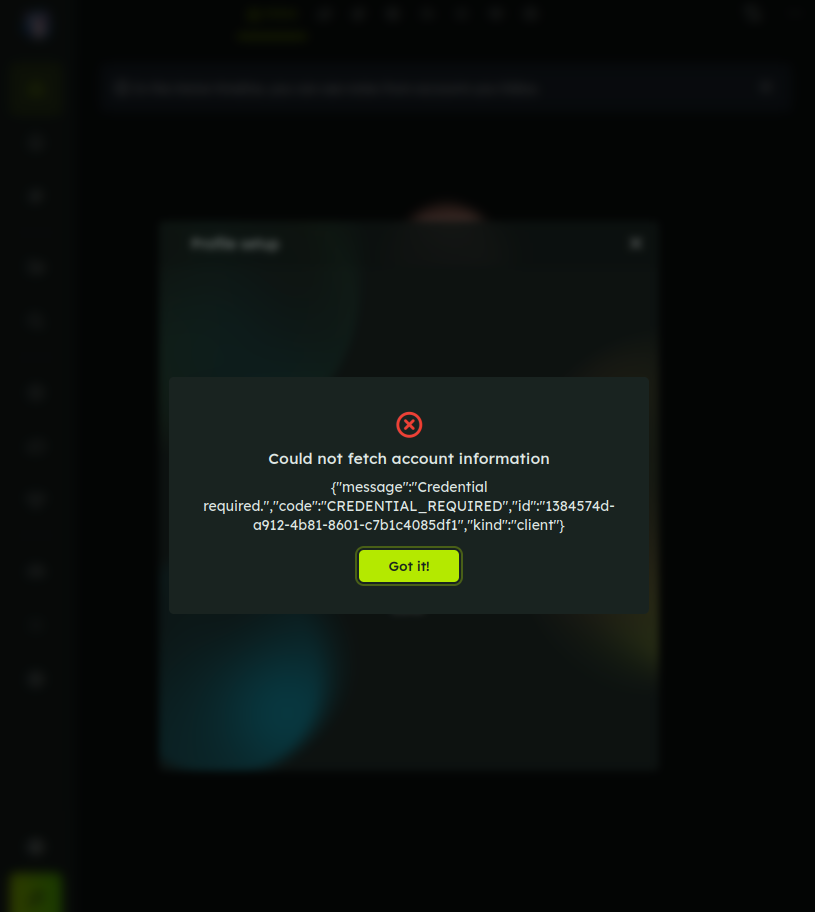
Which is another error than when using another YNH user that does not exist in Sharkey (It gives a ‘friendly’ user does not exist reply).
After trying with the ‘working’ user/pass three times, I threw cookies out of the window again. After that login worked.
So the process of logging in is a bit feeble in my experience so far. Also… Once I have a back-up user, first thing I’ll do is adblock the moving and fading balls in the background: they bring my 64 GB / 8-core desktop PC to a crawl!