Anyone successfully installed Sharkey lately? (solution: add swap)

What app is this about, and its version: Sharkey 2025.4.5~ynh1
What YunoHost version are you running: yunohost version: 12.1.39 (stable) yunohost-admin version: 12.1.13 (stable) yunohost-portal version: 12.1.2 (stable) moulinette version: 12.1.3 (stable) ssowat version: 12.1.1 (stable)
What type of hardware are you using: VPS bought online

Describe your issue

Hi all,

I’m on my way dipping a toe in social media. As part of it I’d like to run a *key instance, with Sharkey seemingly striking a balance between (future) stability and feature availability.

Lucky for me, it’s available (YunoHost app store | Sharkey) in the catalog!

I installed Sharkey to the root of my domain, intending for it to take over the (public) app list / portal.

Installation takes a while, but finishes without warnings or errors.

After that, it does not seem to run.

  • Visiting the root of the domain shows “Welcome to nginx!”
  • Clicking on the Sharkey icon in the portal (moved to a subdomain) brings me to the same “Welcome to nginx!” in the root domain
  • There’s no obvious info pointing at the cause in logging
    • Nothing in tail -f /var/log/nginx/domain.tld-error.log when accesssing the site
    • A single line in tail -f /var/log/nginx/domain.tld-access.log when accesssing the site
    • Nothing in either the plain nginx error.log or access.log

When uninstalling the app, there’s an error removing the nginx-config for it: it does not exist.

After reinstalling, there is a domain.tld.conf file in /etc/nginx.conf/d, though domain.tld.conf.d is empty.

Here’s the log: https://paste.yunohost.org/raw/movaxojovi

(At first after the initial install, clicking Sharkey in the portal would flash the screen and bring be back to the portal. Since the app is in the root of the domain where there used to be only the portal, I figured maybe SSO was interfering. I set a subdomain as the default domain for Yunohost. Since then I have the ‘Welcome to nginx’, also after removing/reinstalling)

I’m a bit at a loss where to continue troubleshooting from here.

Share relevant logs or error messages

I noticed that both “Install”-logs show a question mark in the log overview, as opposed to other log actions that show either a red X or a green V.

One thing I note in /var/log/nginx/domain.tld-error.log, is that requests from scans by bots end up in the nginx-directory at /usr/share/nginx/htmldirectory when accessing the root of my domain, instead of being logged as accessing/var/www/sharkey/` subdirectories, eg:

tail nginx/domain.tld-error.log
2026/02/15 06:20:11 [error] 8622#8622: *1661 open() "/usr/share/nginx/html/getcpuutil.php-bakworking" failed (2: No such file or directory), client: 45.148.10.160, server: domain.tld, request: "GET /getcpuutil.php-bakworking HTTP/1.1", host: "domain.tld"

The problem looks like the system throws out of memory. How much RAM available do you have? What’s the output of free -h?

Hi orhtej2,

Thanks for your suggestion!

# free -h
               total        used        free      shared  buff/cache   available
Mem:           3.8Gi       3.2Gi       290Mi        61Mi       599Mi       575Mi
Swap:          1.5Gi       817Mi       718Mi

Not very much, but not too close to 0 either. Which symptoms point to lack of memory?

Lack of input in logs is not because of lack of space either:

# df -h
Filesystem      Size  Used Avail Use% Mounted on
udev            1.9G     0  1.9G   0% /dev
tmpfs           388M  740K  387M   1% /run
/dev/vda3        80G   24G   57G  30% /
tmpfs           1.9G  1.1M  1.9G   1% /dev/shm
tmpfs           5.0M     0  5.0M   0% /run/lock
/dev/vda2       121M  142K  120M   1% /boot/efi
tmpfs           388M     0  388M   0% /run/user/15109

Overall, resources seem not under pressure :

Couchdb seems the largest user, I’ll shut it down a while and see what impact it has on RAM availability and whether it makes any change to Sharkey!

Edit: flohmarkt didn’t like that, but apart from that: no changes

What points at out of memory is the lack of any meaningful ending to the operation. Can you add some more swap (2-4GB)? Ideally for NodeJS apps you’d want to have something like 2GB RAM available in my experience.

Ah, lack of memory while installing! I did not monitor for that. Let me try, and thanks for the quick reply!

1 Like

Wohoo! That was it.

For someone looking for a quick oneliner to add swap:

fallocate -l 2048M /swapfile && chmod 600 /swapfile && mkswap /swapfile && swapon /swapfile

This will create the swapfile and mount it, but will not do so upon next boot as it is not in /etc/fstab

Not only did the installation take much less time, it also actually resulted in a working app :slight_smile:

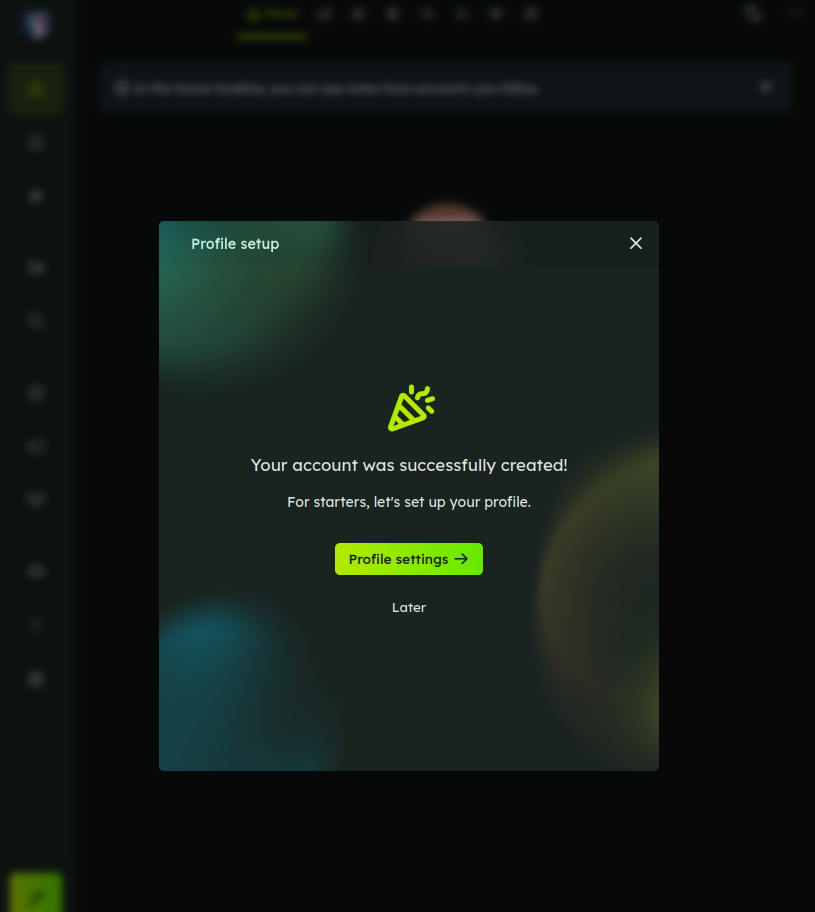
While trying to figure out the problem, I came across some posts asking about creating a first user, so I’ll dive in there :wink:

Thanks again!

1 Like

To confirm @ele‘s findings: leave the password empty

Unfortunately, I did not take a screenshot of the initial login screen.

  • There were three fields:

    • ‘password from installation config file’
    • user
    • user password
  • Following ele’s advice:

    • first field empty
    • second field a YNH user
    • third field the YNH user password
  • Result? Error!

  • Retry? Error!

  • Threw away cookies, retried, error

  • Went back to the forum trying to find another, more recent, hint, only found ele’s post

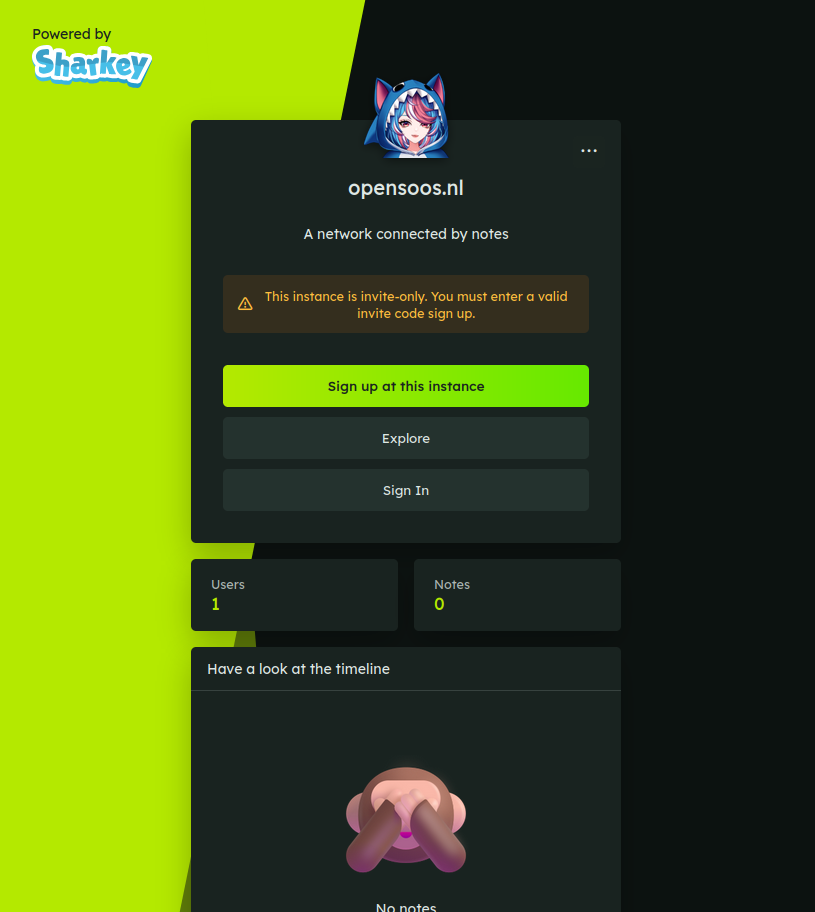
  • Threw away cookies, refreshed, got this login screen instead, with a single user:

  • Here I used ‘Sign In’

    • Used the same YNH user as before
    • Used the same YNH password as before
    • and …

  • Success!

Or, so it would seem. I went back (browser-back) , hoping to get to the initial 3-field login screen to take screenshots, but it was not it the browser cache.

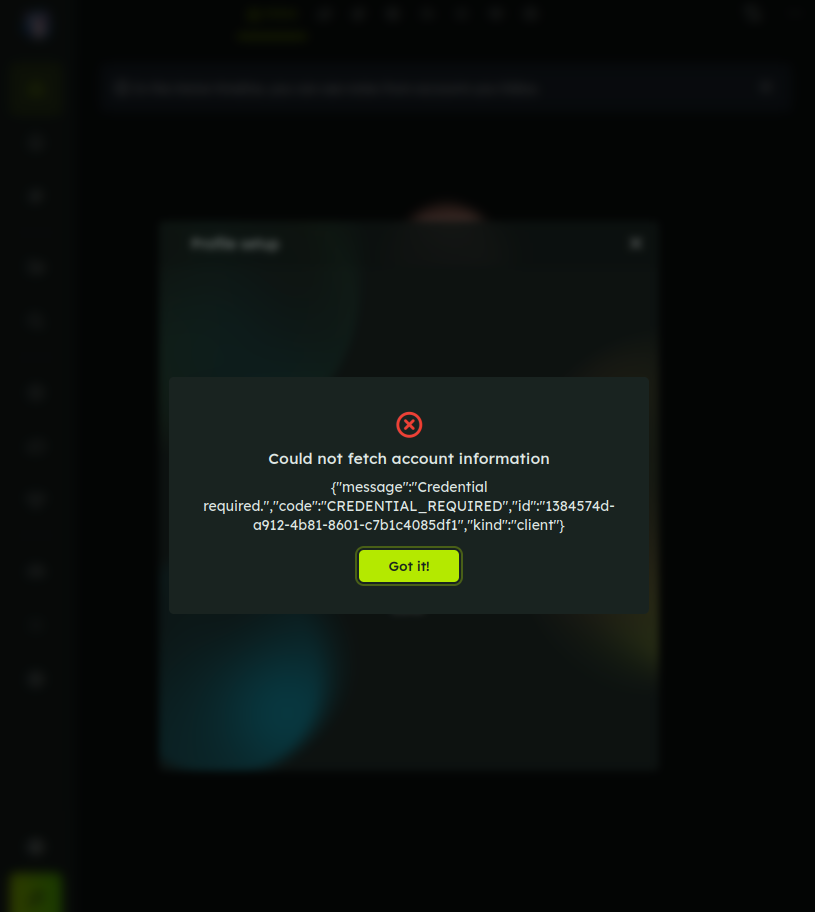
Then I went on to at least document the successful login; using the same user/pass again, I got a number of times:

Which is another error than when using another YNH user that does not exist in Sharkey (It gives a ‘friendly’ user does not exist reply).

After trying with the ‘working’ user/pass three times, I threw cookies out of the window again. After that login worked.

So the process of logging in is a bit feeble in my experience so far. Also… Once I have a back-up user, first thing I’ll do is adblock the moving and fading balls in the background: they bring my 64 GB / 8-core desktop PC to a crawl!

This topic was automatically closed 15 days after the last reply. New replies are no longer allowed.