Salut,
J’ai fait la mise à jour et tout s’est bien passé.
Je me doutais bien qu’il ne fallait pas prendre en considérations ces infos, mais ça me perturbait un peu.
Probablement qu’une prochaine mise à jour de Yunohost corrigera ce souci qui perturbe un peu
with ssh i can force update the apps. but i would be nice if it works in the web too =) i can only press “update all applications” but maybe i dont want to update all apps but only one
I did the update and found mariadb server missing after the migration.
It was easy to resolve though by typing:
sudo apt update
sudo apt install mariadb-server -y
Just by way of info if someone has this problem.
I found out because installing custom webapp did not work
OK, but how about Docker under Yunohost with new nftables-only firewall?? How can i use it if installed and configured for ufw? Docker still not support nftables, as i know.
Hi,
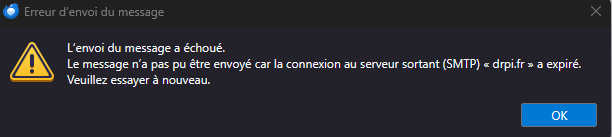
I’ve just run the update. Since then I can send e-mails from the main domain but can’t from other domains. Receiving e-mails is OK for all domains. What could be the cause of this ?
The log of the update : https://paste.yunohost.org/raw/pirugisugu
Nicolas
I think the YunoHost update broke Tracim. It was not more functional. When visiting the application page, I got a message saying something like the backend is not working (sorry, I did not made a screenshot).
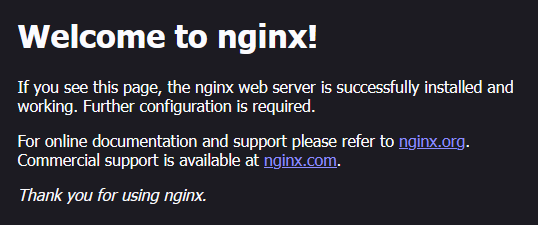
I tried to click the “Forcer la mise à jour” button but it failed with errors (https://paste.yunohost.org/raw/cedeyoxasa). I then tried to uninstall (keeping application parameters) then install it again but it is still did not work correctly. Accessing the application I got this :
I then uninstalled and reinstalled it again. It worked but my data have vanished.
I then uninstalled Tracim again and restored the pre-upgrade backup.
Tracim is functional again and my data are back
2025-09-07 18:13:41,598: DEBUG - fatal: unable to access 'https://github.com/algoo/beaker.git/': Failed to connect to github.com port 443 after 1 ms: Couldn't connect to server