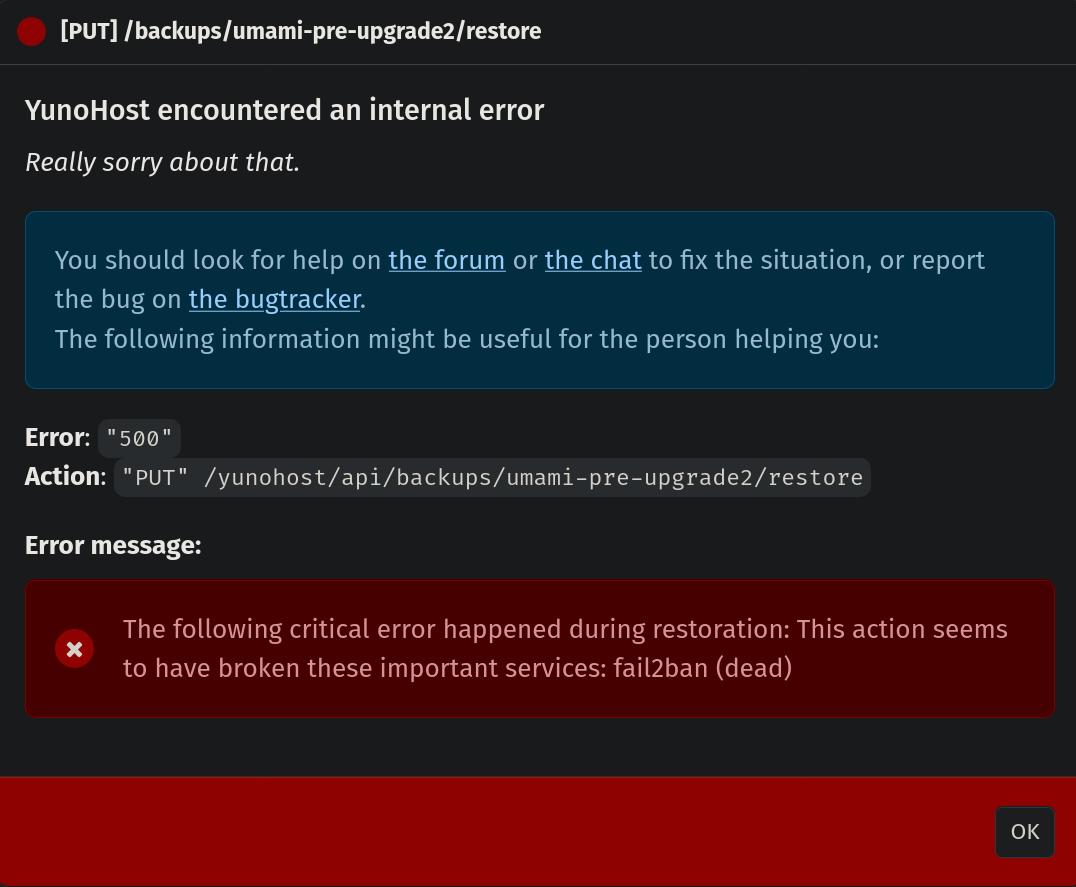
there’s no output for sudo journalctl -k | grep -i "oom|killed process"
what do you mean of running upgrade under screen?
There’s a screen command that keeps whatever’s running inside alive even if the terminal/ssh session disconnects.
man screen
What about sudo dmesg | grep -i "oom|killed process" ?
nothing
Your ram is at 90% and your swap files are fully used. Check what is taking so much ram, or increase swap
ok now something weird happened when I forced upgrade under screen
first upgrade failed
https://paste.yunohost.org/raw/zoxowemewa
then umami got removed
https://paste.yunohost.org/raw/jelenayetu
then it tried to restore backup
https://paste.yunohost.org/raw/ehumawekag
and then it got removed
https://paste.yunohost.org/raw/ujewiwaxin
exit code 137 usually means out of memory => killed
ok I freed up a lot of memory.
Now I should install umami from scratch and then restore from the backup file?
Restore from backup if it is not installed anymore
Good, now restore from cli with no-remove-on-failure then upgrade.
yunohost backup restore umami-pre-upgrade1 --no-remove-on-failure
Then yunohost app upgrade umami --force
yunohost backup restore umami-pre-upgrade2 --no-remove-on-failure
Now let’s try
N_PREFIX=/opt/node_n/ /usr/share/yunohost/helpers.v2.1.d/vendor/n/n install 22.23.4
systemctl start umami
systemctl reload nginx
Fingers crossed…
Or an upgrade can fix
did this but still… umami won’t start
tried to upgrade and now it does work!!
thanks a lot guys!!
The service-log section in the first post is empty, so it’s hard to connect the failed upgrade to the startup issue. Please include the relevant service log and the first error from the upgrade log.
but is it still relevant? the problem was already solved