What is the displayed error ?
admin settings > logging (at bottom left)
admin settings > logging (at bottom left)
I don’t see that option.
Only that Opening of the document fails.
If I log in via the original url it works. If I log in via one of the extra sub-domains it fails.
Can you share screenshots ? (Nextcloud admin and doc opening). Is there any error in the browser console?
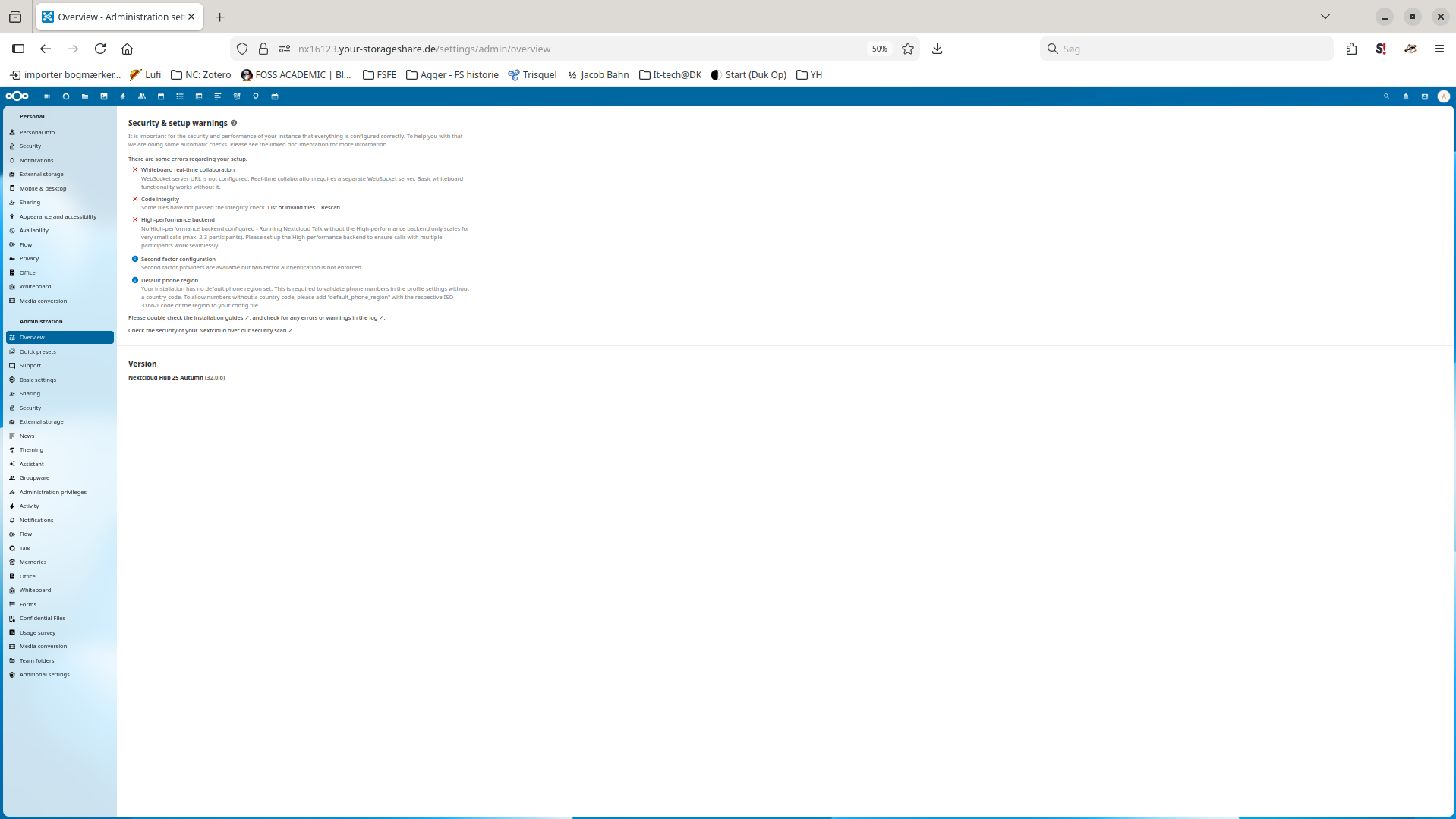
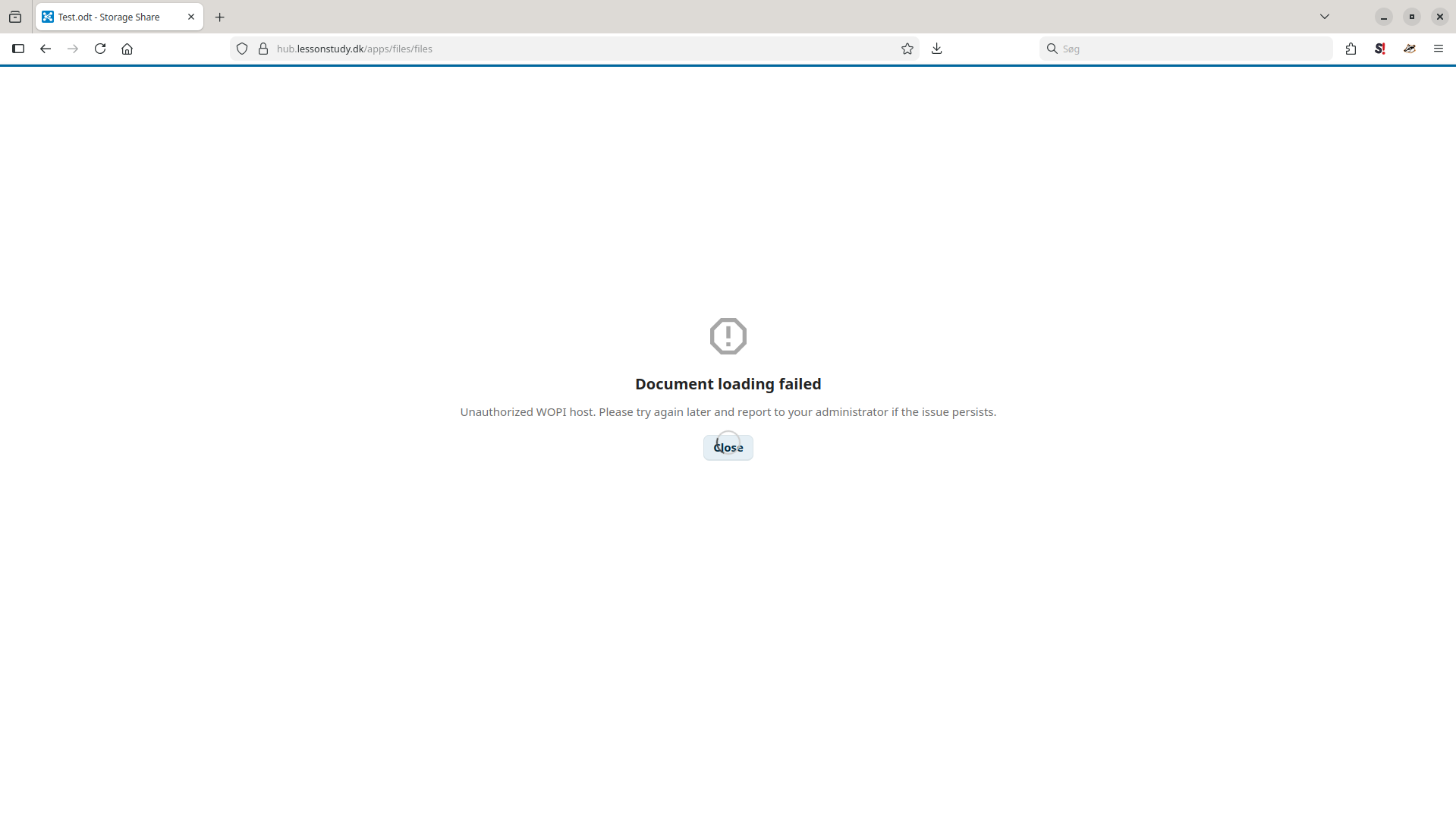
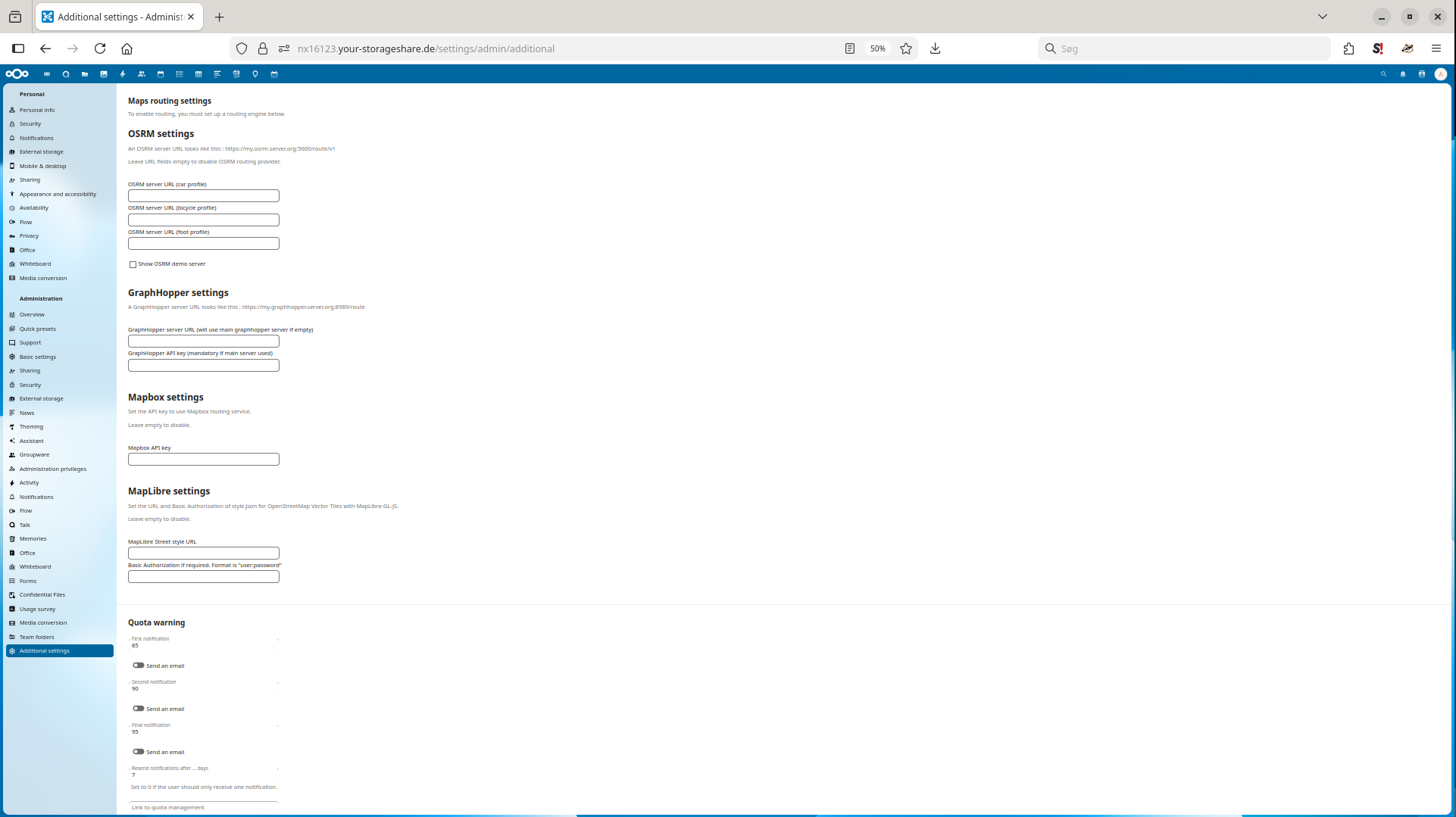
This is not the standard nextcloud interface: maybe in additional settings ?
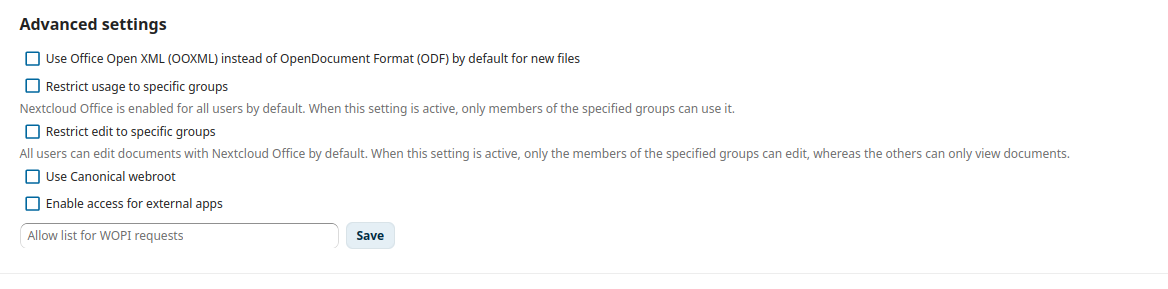
Do both domain names appear in /etc/coolwsd/coolwsd.xml and did you clear the wopi allow list in Nextcloud Office panel ?
Yes with each their host id (0, 1, 2 and 3 - 4 is empty as expected)
Well… I’m out of ideas for now. With such settings I have three different domains and subdomains with different apps using the same collabora server… 
Anyway, I am really glad you helped me. Do you have an idea about who/where I could ask for more help?
Btw, why do I not need to fill in the allow list?
Could it be anything with ports? (I have no clue and just guess)
I have seen several sites, where the settngs include port numbers, e.g. Imixs Office Workflow - Documentation – The WOPI Protocoll
It can be filled with the collabora server(s) IP.
Can you access nextcloud log via less /var/log/nextcloud/nextcloud.log?
If so, restart coolwsd, reload nginx, clear the browser cache and cookies (or use a private window or another browser).
Then run less /var/log/nextcloud/nextcloud.log | grep "WOPI": maybe there will be an output with some debug info…
I get a warning: “You have not configured the allow-list for WOPI requests. Without
this setting users may download restricted files via WOPI requests to
the Nextcloud server. Click here for more info”
So maybe it would be good to fill it?
Or should it not be necessary?
I don’t know. I have no idea of how to get to mess with the nextcloud installation. Theoretically iy could be possible via ssh I think, but I don’t know to establish an ssh connection with it.
You can try 127.0.0.1 ::1 publicipv4
Made no difference…